
Have you had problems using the insert key on your PC keyboard while typing in Microsoft Word? Thanks to Kirk M., our attention was brought to this insert key/Word issue with all PC keyboards (Das Keyboard included). Follow these instructions to enable your insert key. How to Enable the Insert key in Microsoft Word: Go to…
How to Enable the Insert Key in Microsoft Word
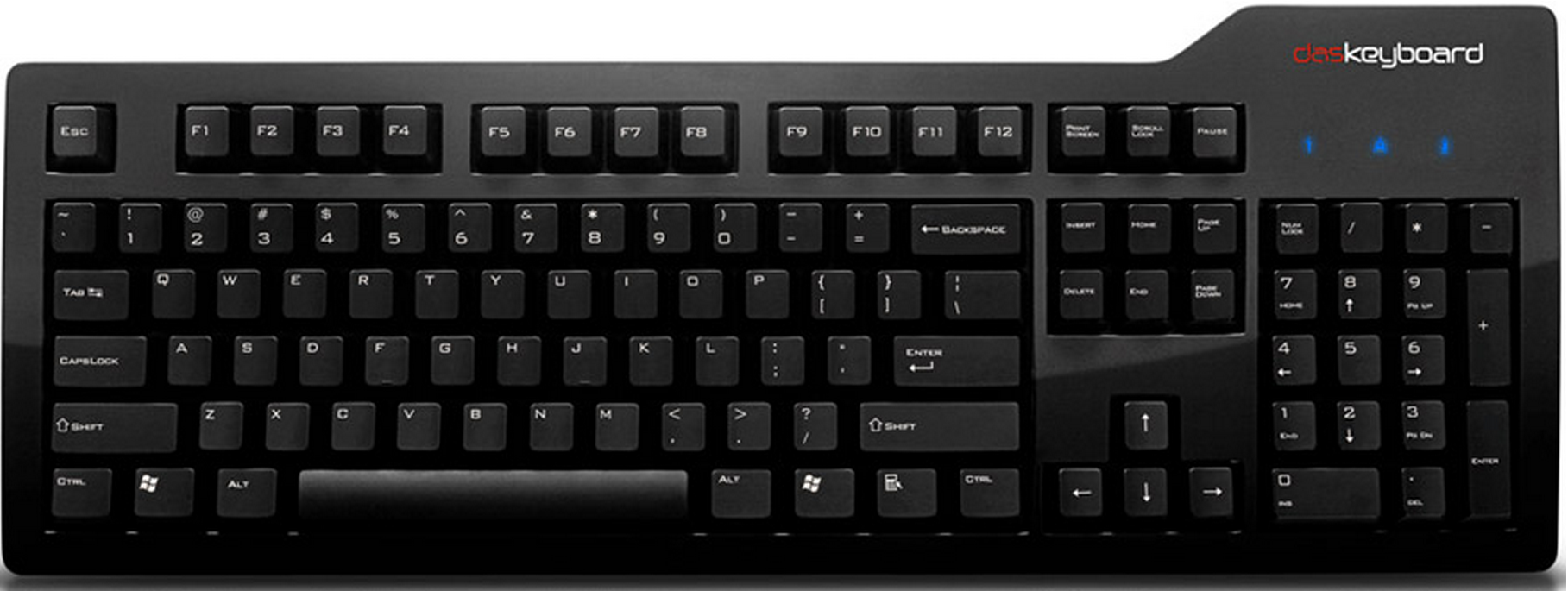
How to Use Das Keyboard with Your iPad
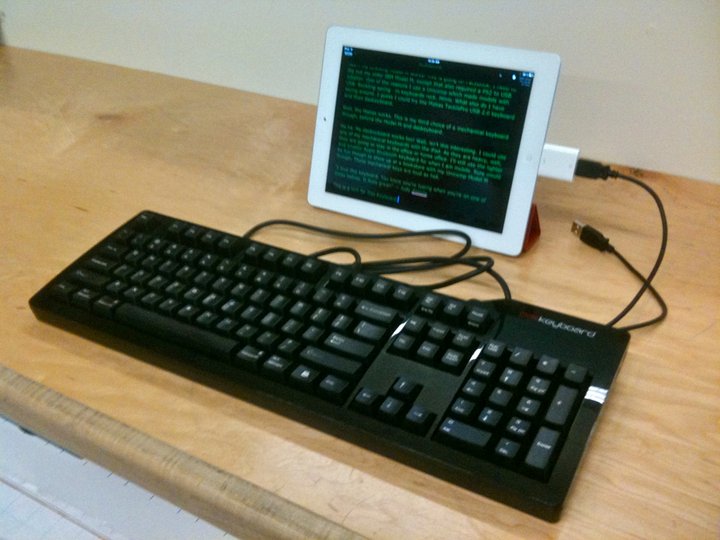
iPads are awesome. What isn’t so awesome? Typing for long periods of time on them (whether that’s in the form of writing long emails, blogging, or any form of writing and text-editing). As great as touch-screen technology is, there really is nothing quite like typing on an actual keyboard- for speed, efficiency and satisfaction. Typing…
Das Keyboard’s PS2 PCI Card Recommendation for N-Key Rollover
Not all computers come equipped with all the ports needed to fully optimize the power of the Das Keyboard’s n-key rollover (aka NKRO: a user can press any number of keys and have them *all* registered by the computer, no matter how many keys are being held down at once). We recommend Syba’s SD-NECPS-2U2PS2 card to…
Das Keyboard Professional Model S Review on Teknyklate
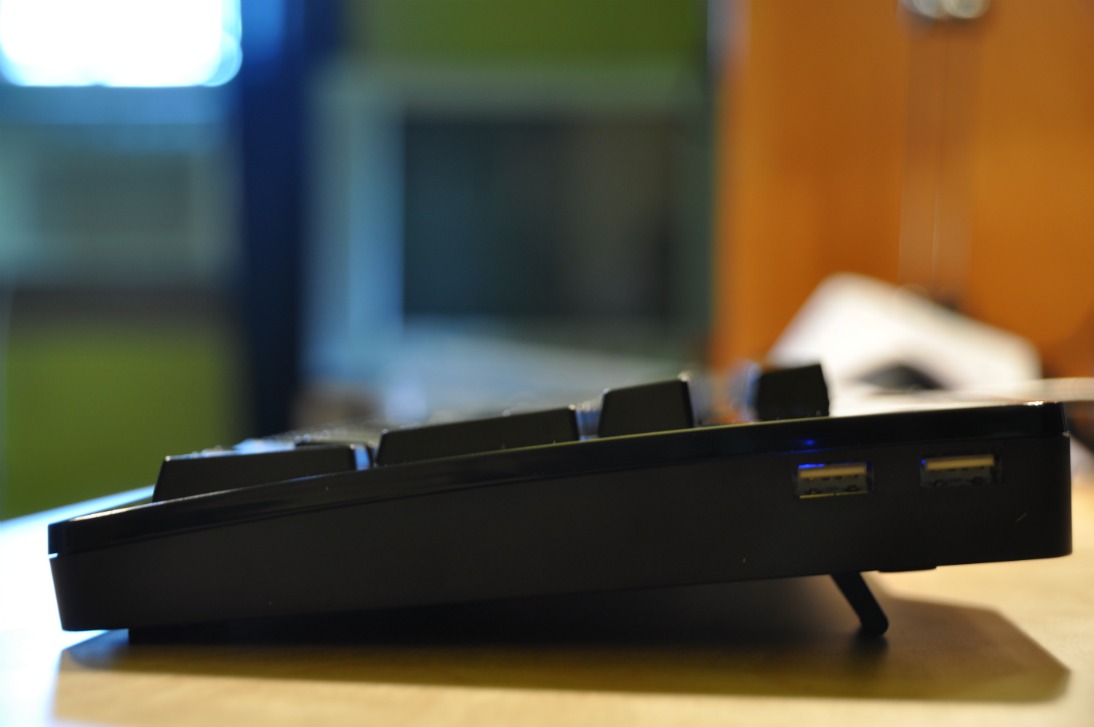
Our Professional Model S keyboard was recently reviewed here on Teknyklate. John on Teknyklate writes, “The Das Keyboard is German-engineered goodness, matching a sleek, glossy exterior and high end mechanical switch technology for the internals.” After he provides a very thorough list of his pros and cons for the keyboard, he wraps up his review…