Every key counts.
Every key glows.
Cherry MX2A switches. Full anti-ghosting NKRO so every WASD-strafe-jump-reload combo lands. Per-key RGB driven by programmable Q applets — light keys when Discord pings, health drops, or the ult comes off cooldown.
Shop gaming keyboards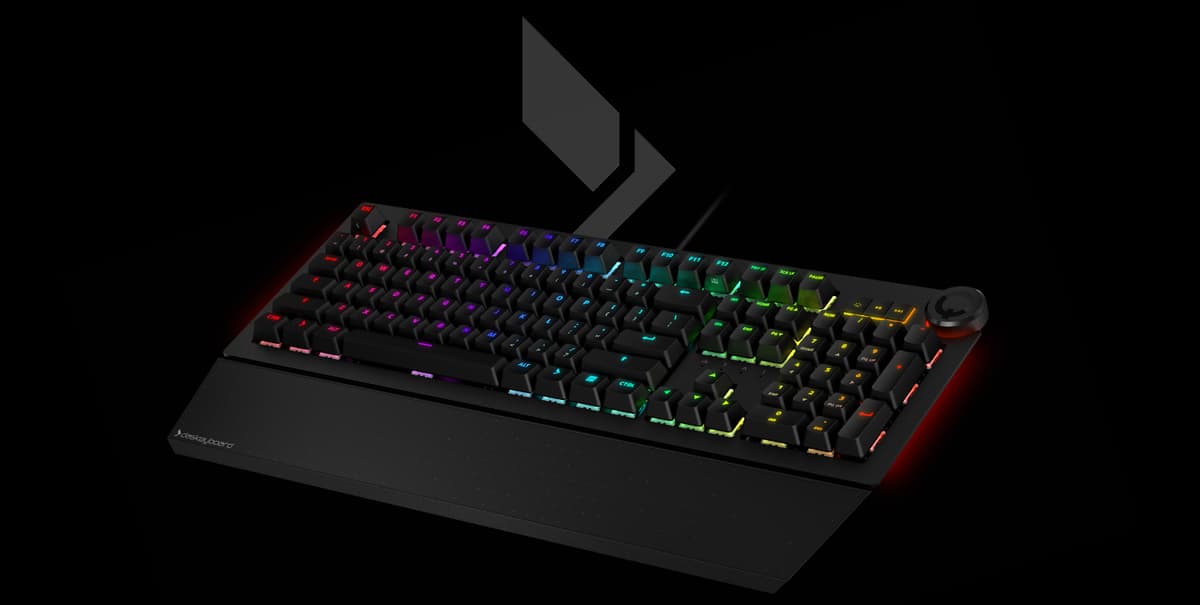
What gamers care about
- Full anti-ghosting + NKRO
Every key registers, no matter how many you mash. Forward + strafe + jump + crouch + reload at the same time? All five keys reach the game. Hardware-level NKRO over USB, not a software trick.
- RGB notifications via Q applets
Light WASD red when health drops below 30%. Glow the M key gold when a Discord ping lands. Pulse the row when your raid lead pings. Open Q REST API + applet marketplace — the keyboard is a programmable signal layer.
- Cherry MX2A switches
Next-gen Cherry MX2A on the 5QS Mark II — refined sound profile, smoother travel, the same 100M-keystroke rating. Linear, tactile, and clicky variants for whatever feels right under your fingers.
- Compact 65% option
DeltaForce 65 — pure muscle in 67 keys. More desk space for the mouse, more arc for low-DPI flicks, all the keys that matter, none of the ones that don't. Cherry MX, full RGB, USB-C.
- Programmable, no vendor lock
Q Software runs on Windows, macOS, and Linux. Open REST API, open applet SDK, scripts on GitHub. Build your own notifier, share it on the marketplace, or pull someone else's.
Three picks for gamers
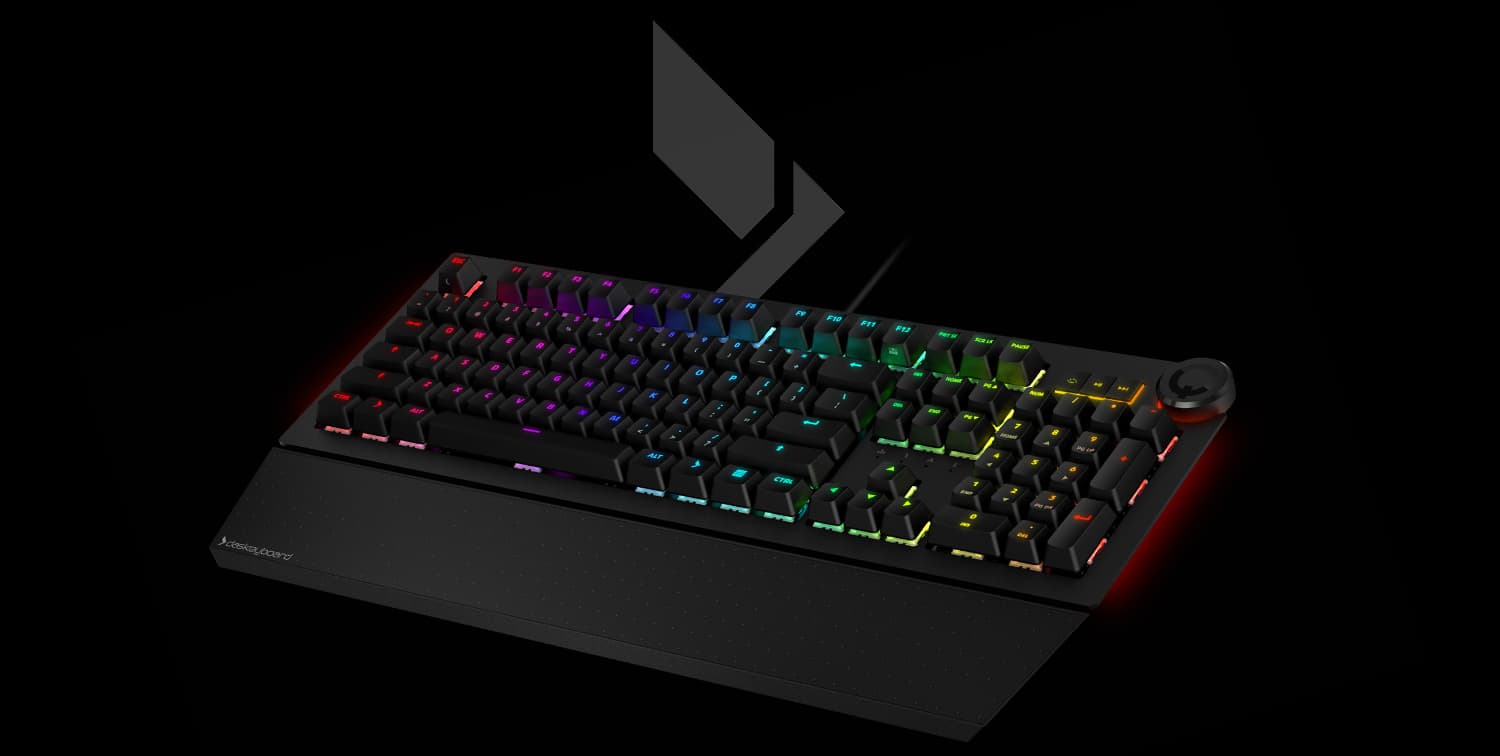
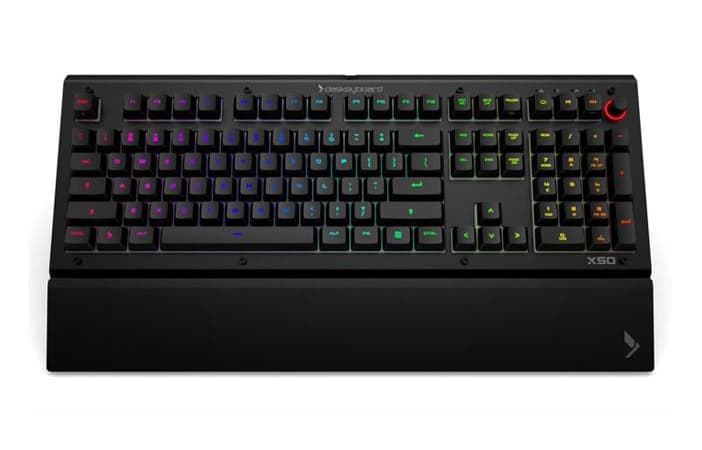
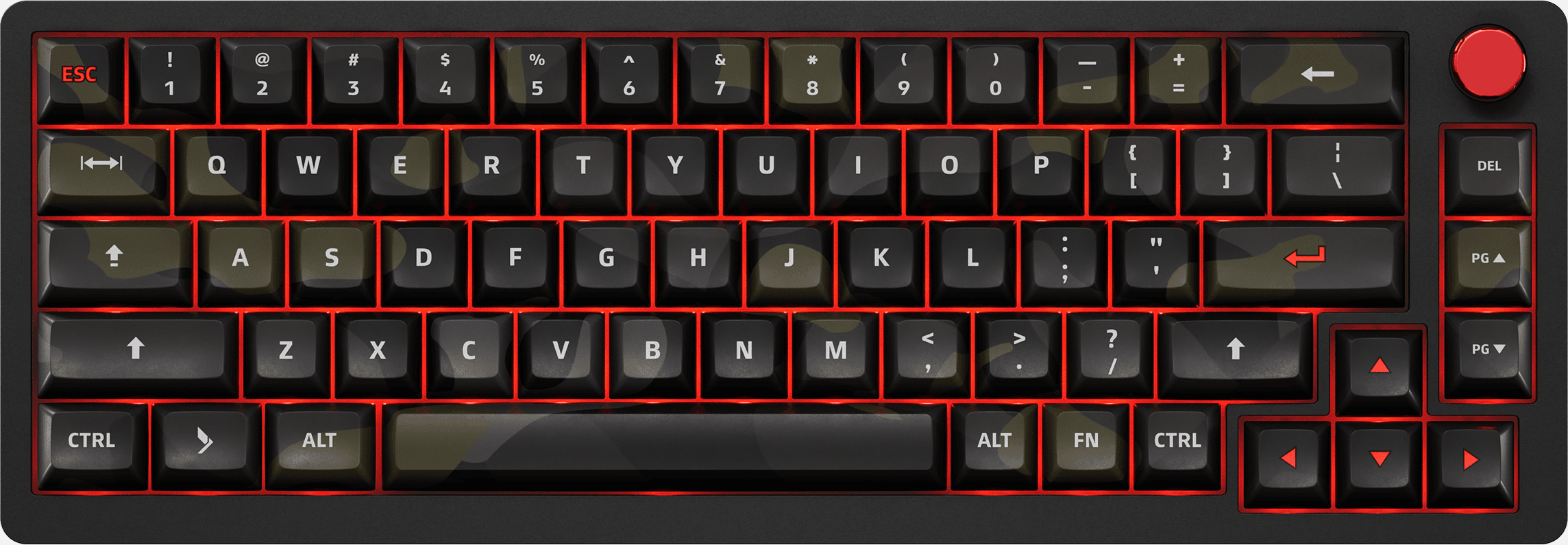
Programmable, not just pretty
FAQ for gaming-specific concerns
Which Das Keyboard is best for gamers?
The Das Keyboard 5QS Mark II is the flagship gaming keyboard — Cherry MX2A switches, full per-key RGB, Q Software programmable notifications, and full NKRO. The X50Q adds a tournament-grade chassis and audio routing. For competitive FPS players who want maximum desk real estate, the DeltaForce 65 compact 65% is the pick.
Does anti-ghosting work in games?
Yes — every Das Keyboard with full NKRO reports every simultaneously-pressed key over USB HID. Modern games (Counter-Strike, Valorant, Apex, Overwatch, Minecraft, Fortnite) read the keyboard via DirectInput or rawinput and pick up every key. No five-key limit, no ghosted modifiers, no missed inputs in chord-heavy combos.
Can I sync RGB lighting with games?
On Q-series keyboards (5Q, 5QS, X50Q, 4Q) you can light keys based on game state via the open Q REST API. Community applets exist for Discord, Slack, GitHub, Trello, and many games — you can also write your own. Q does not lock into a proprietary ecosystem; the API is documented and any language that can POST JSON can drive the lights.
What's the keyboard latency like?
Das Keyboard runs at 1000Hz USB polling — the same rate as competitive gaming peripherals. End-to-end latency from key press to OS event is under a millisecond on USB HID, well below human reaction time and well below the frame-rate ceiling for gaming displays.
Does Q Software work on Mac and Linux?
Yes. Q Software runs on Windows, macOS, and Linux (AppImage). On Linux, the keyboard itself is class-compliant USB HID and works without any software at all — you only need Q Software if you want to drive the RGB notifications.
Cherry MX Red, Brown, or Blue for gaming?
Cherry MX Red (linear, no bump) is the FPS gold standard — fast double-taps, no tactile resistance to slow down repeat keypresses. Cherry MX2A linear is the next-gen evolution on the 5QS Mark II. Brown (tactile, quiet) is the best all-rounder for players who also type a lot. Blue (clicky) is loudest but has a reset point that some players prefer for rhythm games.
Are there any drivers I need to install?
Not for the keyboard itself — every Das Keyboard is USB HID class-compliant and works the moment you plug in. Q Software is optional and only needed if you want to control the RGB lighting and notifications. The keyboard's typing function works on every major OS without any installation.
Will the keyboard fit a small desk?
If desk space is tight, the DeltaForce 65 (compact 65% layout) is the right pick — about 60% of the footprint of a full-size keyboard while keeping all the FPS-essential keys including arrows. The full-size X50Q and 5QS Mark II are best on standard or larger desks where mouse arc is not constrained.