A mechanical keyboard
built for macOS.
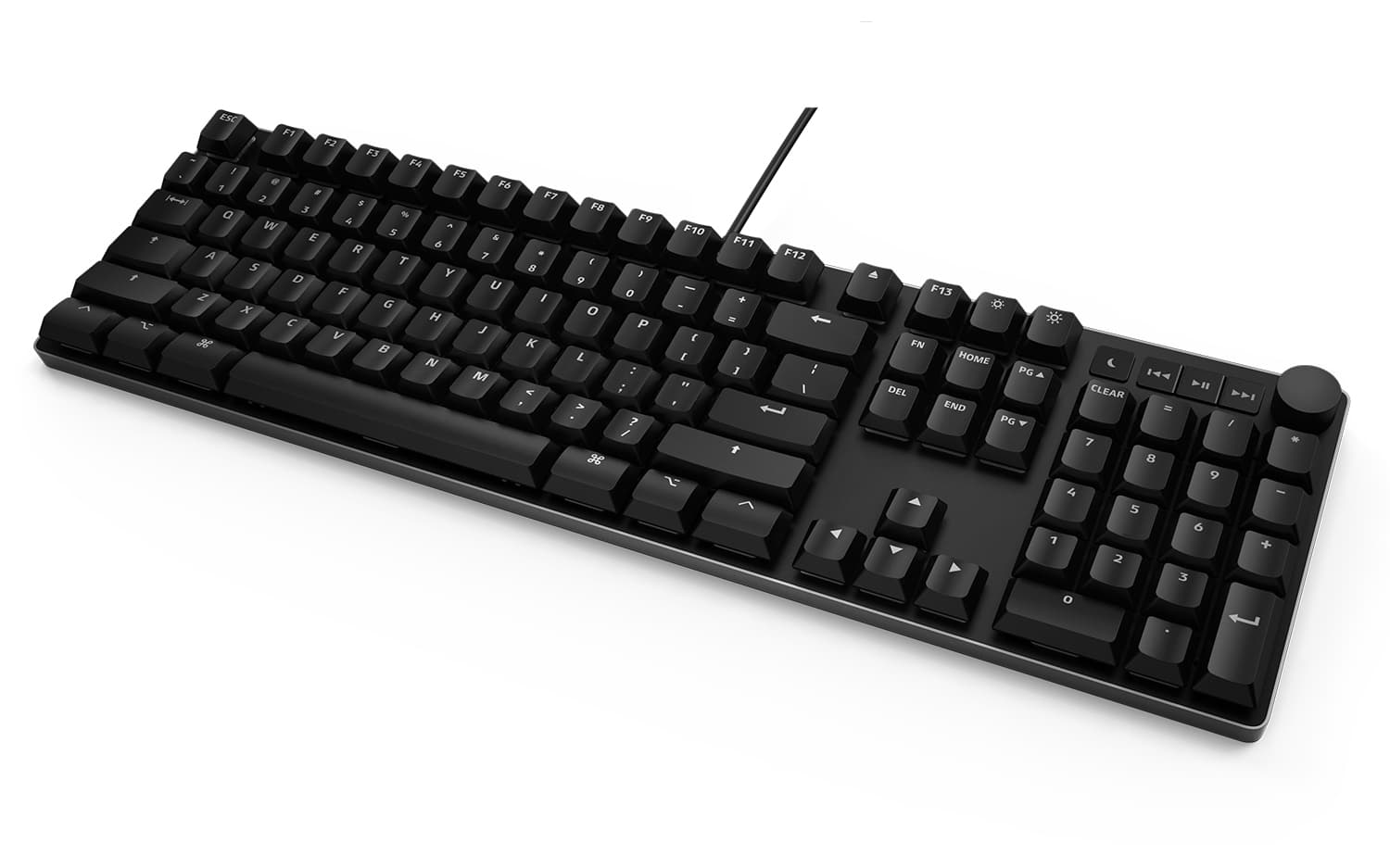
Aluminum chassis. Cherry MX switches. Mac-native media keys and Command-Option-Control where Apple put them. USB-C on the MacTigr, USB-A and a powered hub on the DK4 Pro for Mac. No drivers, no kexts, no Karabiner config.
Shop Mac-ready keyboards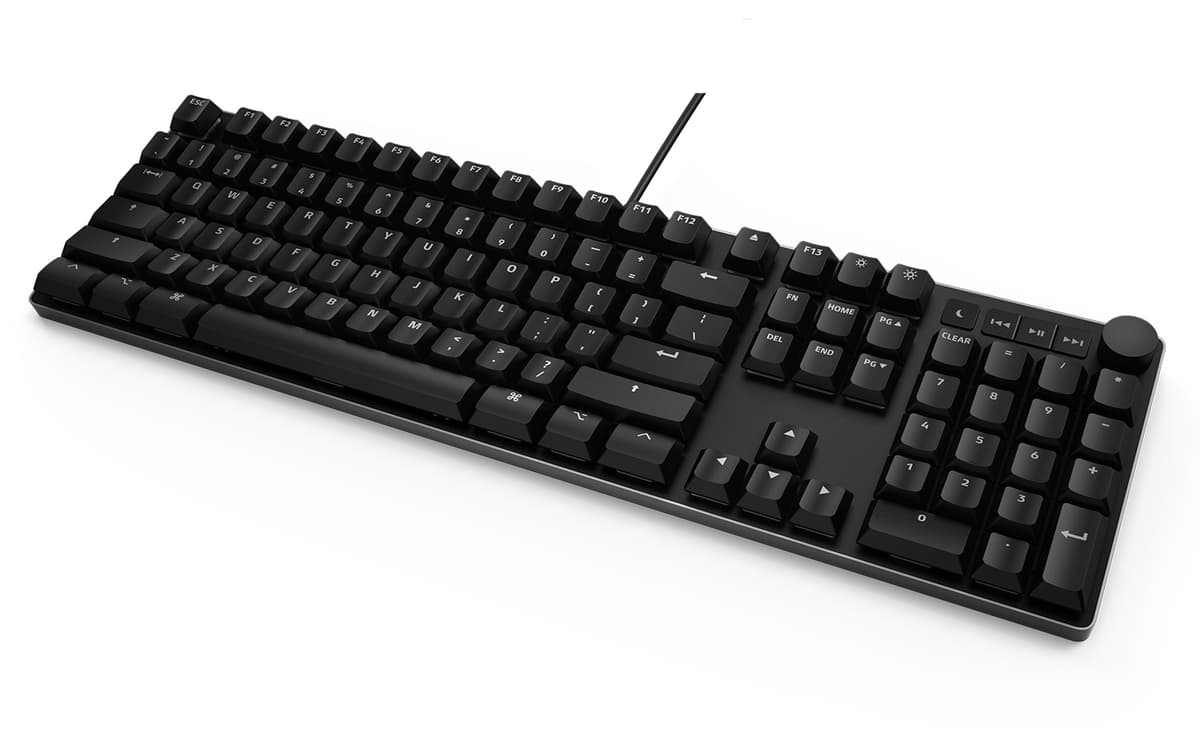
Why it works on macOS
- Mac-native media keys
Volume, mute, play/pause, brightness, eject — wired to standard macOS HID consumer codes. macOS picks them up the moment you plug in. No Karabiner config, no remapping, no third-party menu bar app.
- Aluminum top panel
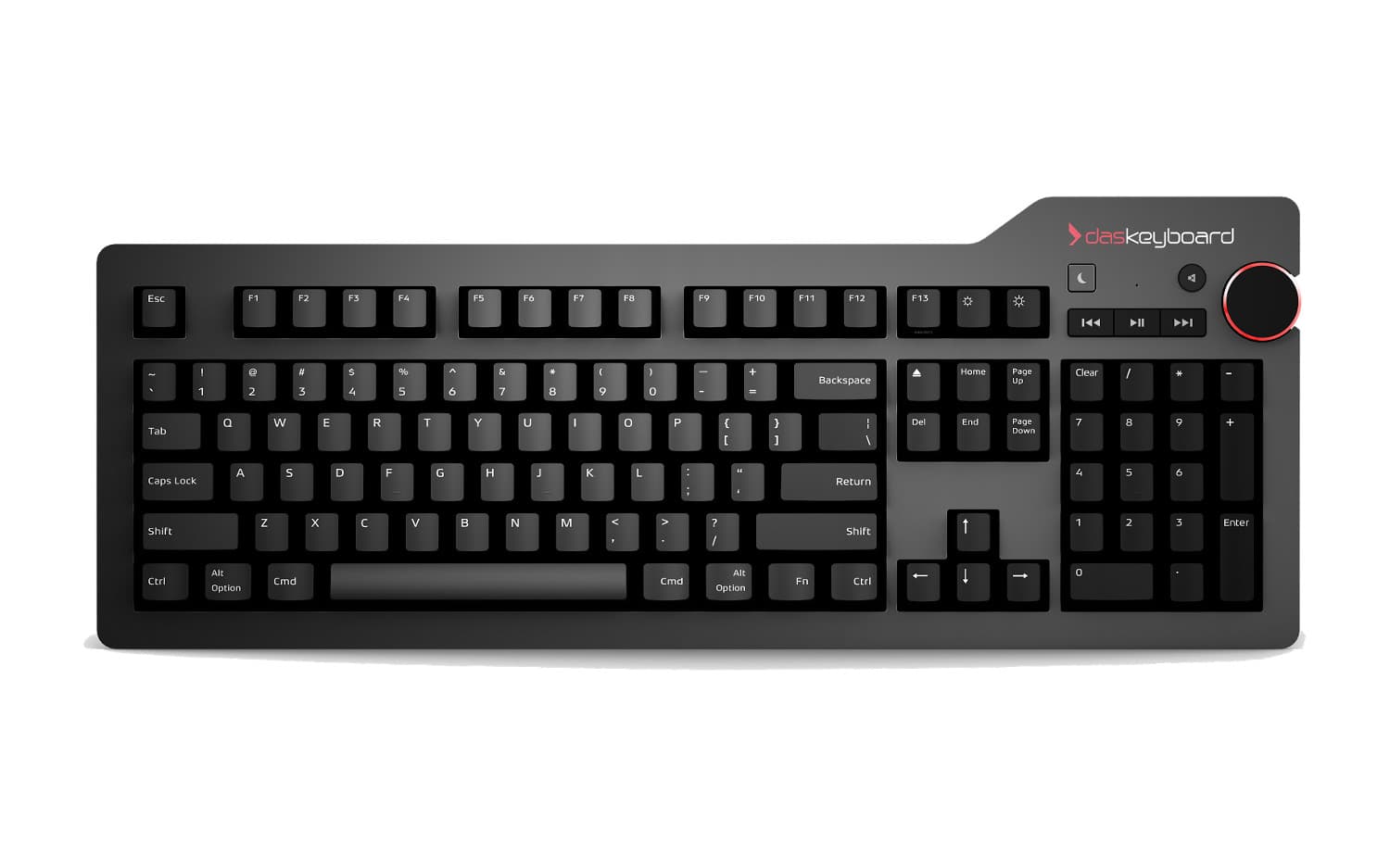
Anodized aluminum chassis. The same finish, the same density, the same heft as the machine on your desk. The MacTigr's low-profile body sits flat next to a MacBook lid; the DK4 Pro for Mac stands tall like a Studio Display.
- Cherry MX switches
Real Cherry MX mechanical switches — Brown, Blue, low-profile Red on the MacTigr. Rated for 100 million keystrokes. Decade-plus lifespan. Plug it into your next four Macs.
- macOS-correct keycaps
Command and Option in the right places. Eject key where macOS expects it. No mental translation between Windows-layout and Mac-layout. Touch typing translates immediately from a stock Apple keyboard.
- USB-C and USB-A
MacTigr is USB-C end-to-end — plug straight into a MacBook or Mac Studio. The DK4 Pro for Mac uses USB-A and includes a powered 2-port USB hub for charging an iPhone or running a wired YubiKey.
Three picks for Mac users
Built in Austin, on Macs
FAQ for macOS-specific concerns
Does Das Keyboard work on Mac?
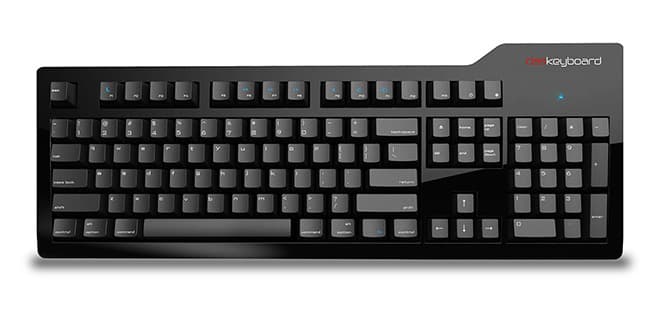
Yes. Every Das Keyboard is USB HID class-compliant, so macOS recognizes it the moment you plug in — no drivers, no software, no kernel extensions. The Mac-specific models (MacTigr, Das Keyboard 4 Professional for Mac, Model S Professional for Mac) ship with macOS-native key labels and dedicated media controls that map cleanly to macOS's HID consumer codes.
Which Das Keyboard is best for Mac users?
The MacTigr is the flagship Mac keyboard — low-profile Cherry MX Red switches, full aluminum chassis, USB-C, designed end-to-end for macOS. If you prefer taller keys with more travel, the Das Keyboard 4 Professional for Mac uses standard-profile Cherry MX Brown or Blue and includes a USB hub. Both work flawlessly out of the box.
Do I need to install drivers or software?
No. macOS has supported USB HID keyboards natively since OS X 10.0. The Mac-specific Das Keyboards work with zero configuration on Intel Macs, Apple silicon (M1, M2, M3, M4), and every recent macOS version. The first time you plug in, macOS may ask you to identify your keyboard layout — pick ANSI and you are done.
Are the media keys and volume knob functional on macOS?
Yes. Volume up/down/mute, play/pause, previous/next track, brightness, and the volume knob on the DK4 Pro all use standard HID consumer control codes that macOS handles natively. They work in System Settings > Sound, in Music, in Spotify, and across every app that respects macOS media keys.
Does the MacTigr work with Apple silicon?
Yes. The MacTigr is USB-C and works with M1, M2, M3, and M4 Macs identically to Intel Macs. macOS treats it as a generic HID device — there is nothing architecture-specific to install or configure.
Can I remap keys on macOS?
Absolutely. Since Das Keyboards present as standard HID devices, every macOS-level remapping tool works: System Settings > Keyboard > Modifier Keys for swapping Caps Lock and Control, Karabiner-Elements for advanced rebinding, BetterTouchTool for chord-to-action mappings. The keyboard does not require any vendor software to participate.
Will it work with multiple Macs over a KVM?
Yes. The Das Keyboard 4 Professional for Mac and MacTigr are USB devices that respect HID hot-swap, so they survive USB switches and KVMs without re-pairing. Some users run them on a USB-C dock attached to a single MacBook in clamshell mode and have zero quirks.
Does Das Keyboard work with Magic Keyboard layout muscle memory?
Yes. The Mac-specific models keep Command, Option, Control, and Function keys in the exact positions of an Apple Magic Keyboard. The arrow cluster, page navigation, and Eject key all match. The transition is muscle-memory-preserving — what changes is the feel under your fingers.