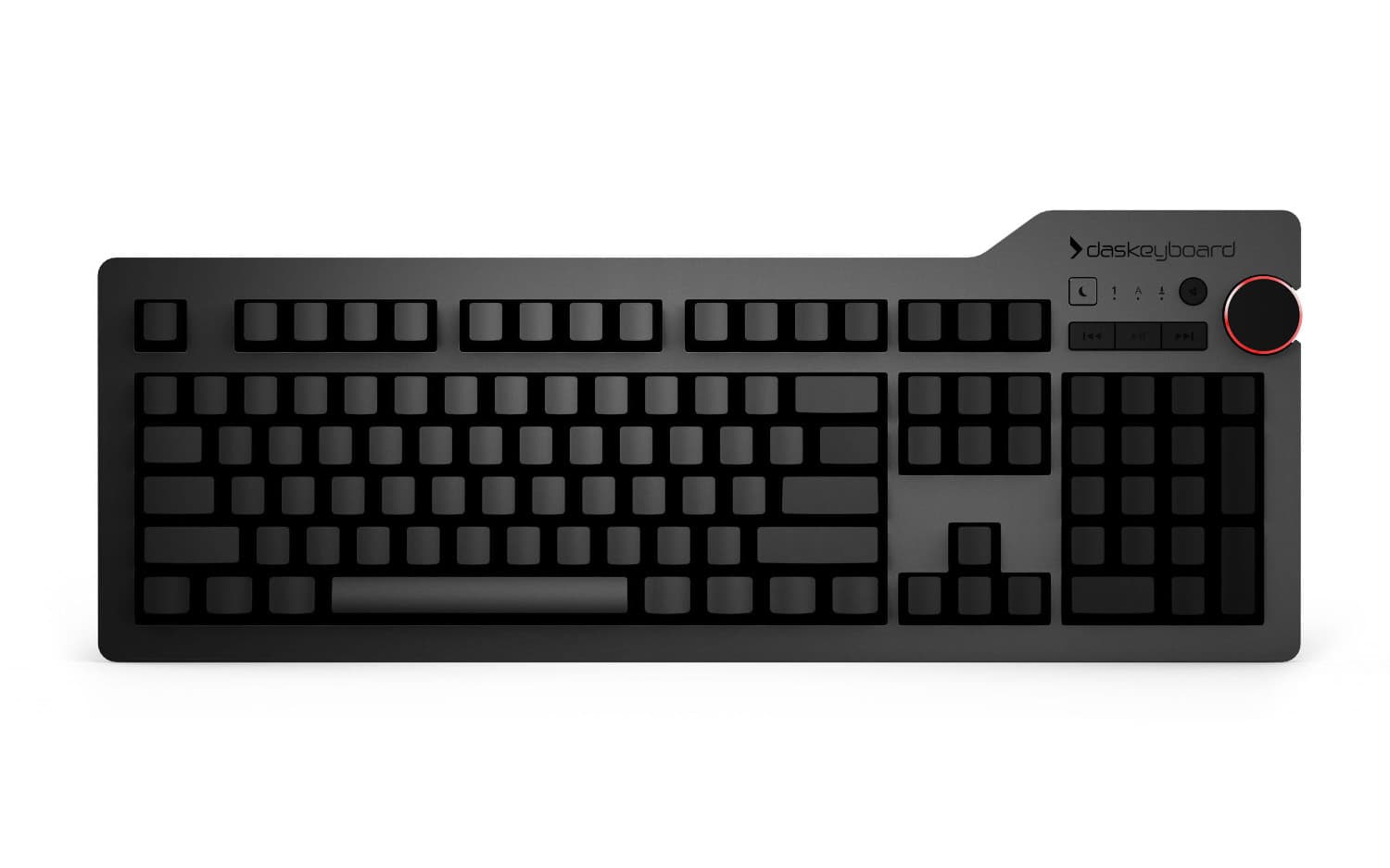
DK4 Ultimate
Blank keycaps. Full-size, white backlight.
- Cherry MX Blue / Brown
- Full NKRO
- 2-port USB 3.0 hub
$199
ViewBlank keycaps on the 4 Ultimate, for people who already type without looking. Cherry MX Brown — tactile, not clicky, quiet enough to share a room. A full editing cluster, dedicated media keys, and no companion app asking for your attention.
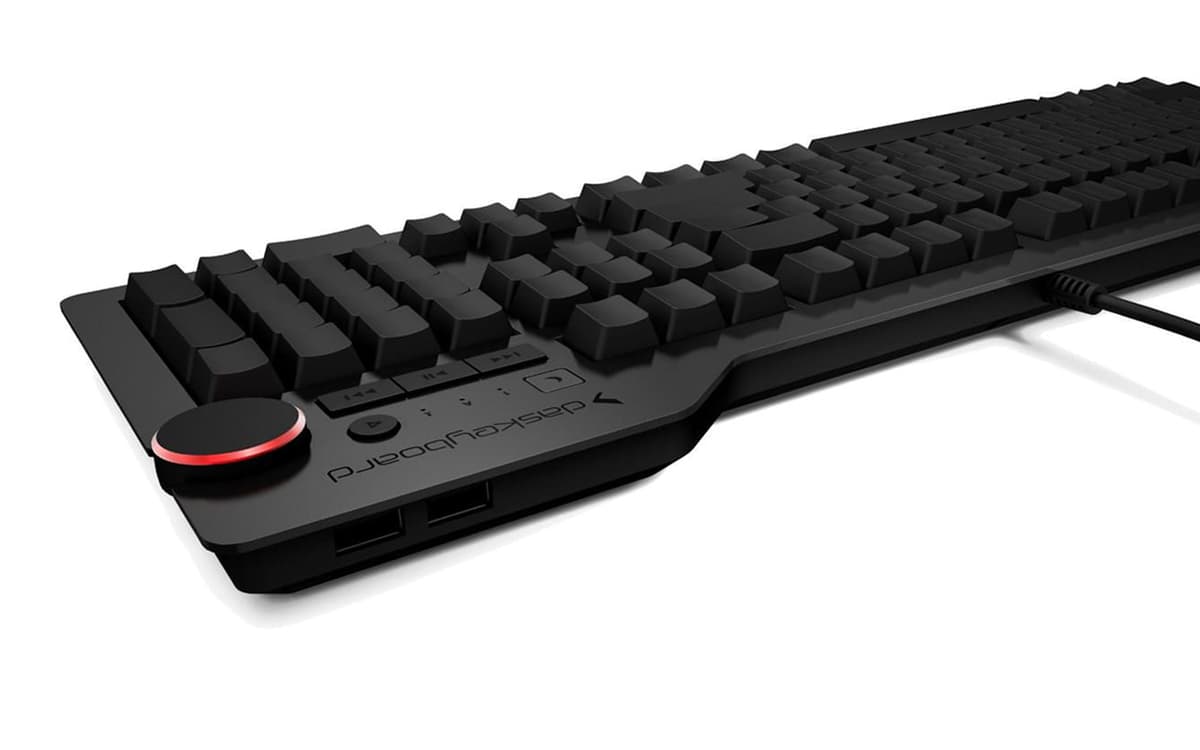
The 4 Ultimate ships with unlabelled keys. There is nothing to glance down at, which is the whole argument — it is a constraint, not a feature, and it only helps if you already type without looking.
A tactile bump without the click. Quiet enough for a shared office, with enough feedback that you know a keystroke registered without bottoming out. Rated to 100 million keystrokes.
White backlight on the 4 Pro for late drafting, and that is the extent of the lighting. No notifications, no cloud sync, no auto-update prompt. It is a keyboard, and it stays a keyboard.
Pause the playlist mid-paragraph without leaving the editor. The knob is anodised aluminium with enough resistance that it takes a deliberate turn, which is the point — it does not move when you brush it.
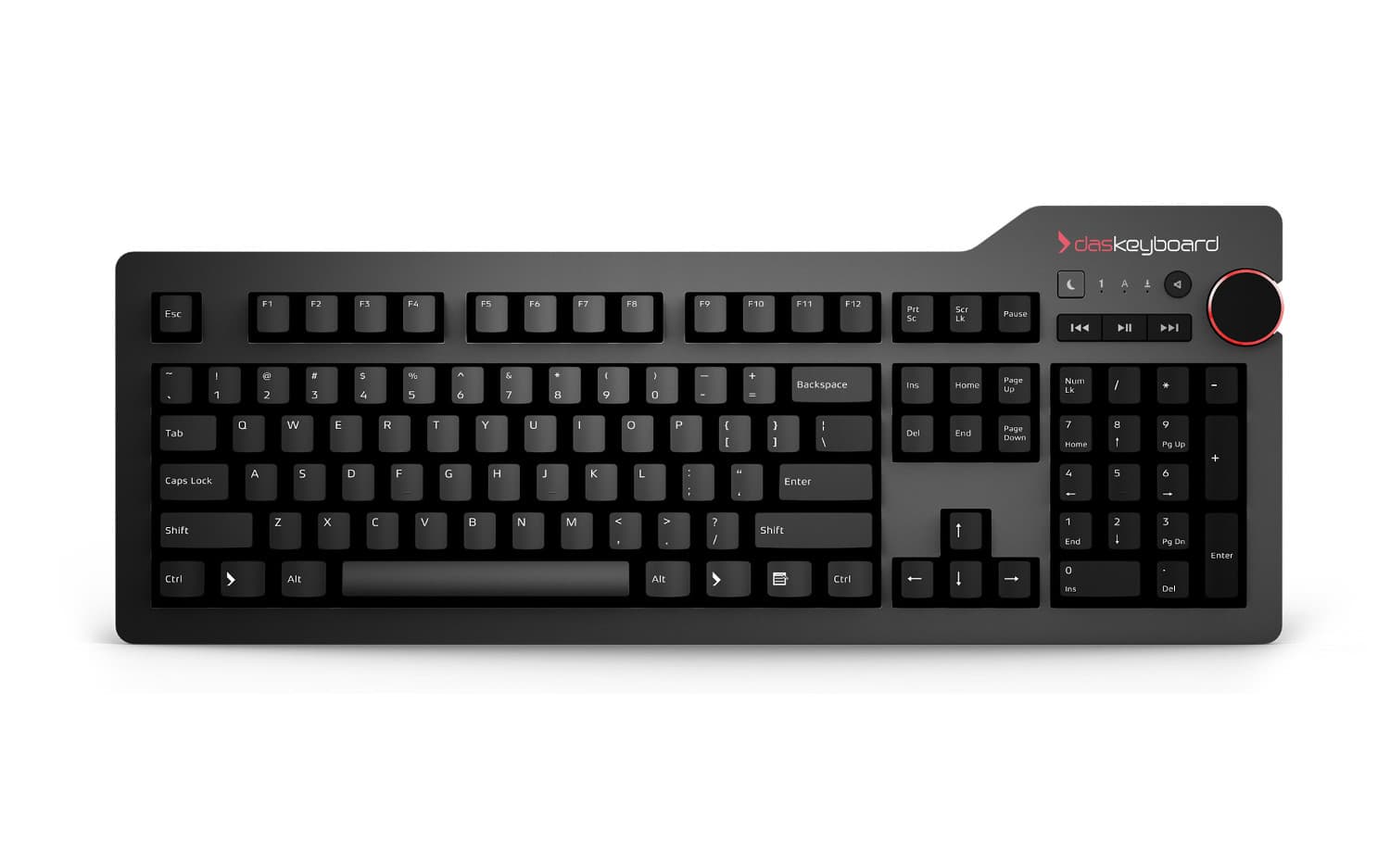
A real arrow cluster, real Home, End, PageUp and PageDown, real Delete. Editing a long manuscript is thousands of trips between paragraphs, and each one should cost one keystroke rather than three.
Class-compliant USB HID. Scrivener, Word, Ulysses, iA Writer, Obsidian, Vim — every writing app on every OS sees an ordinary keyboard, and every shortcut you already use keeps working.
Blank keycaps. Full-size, white backlight.
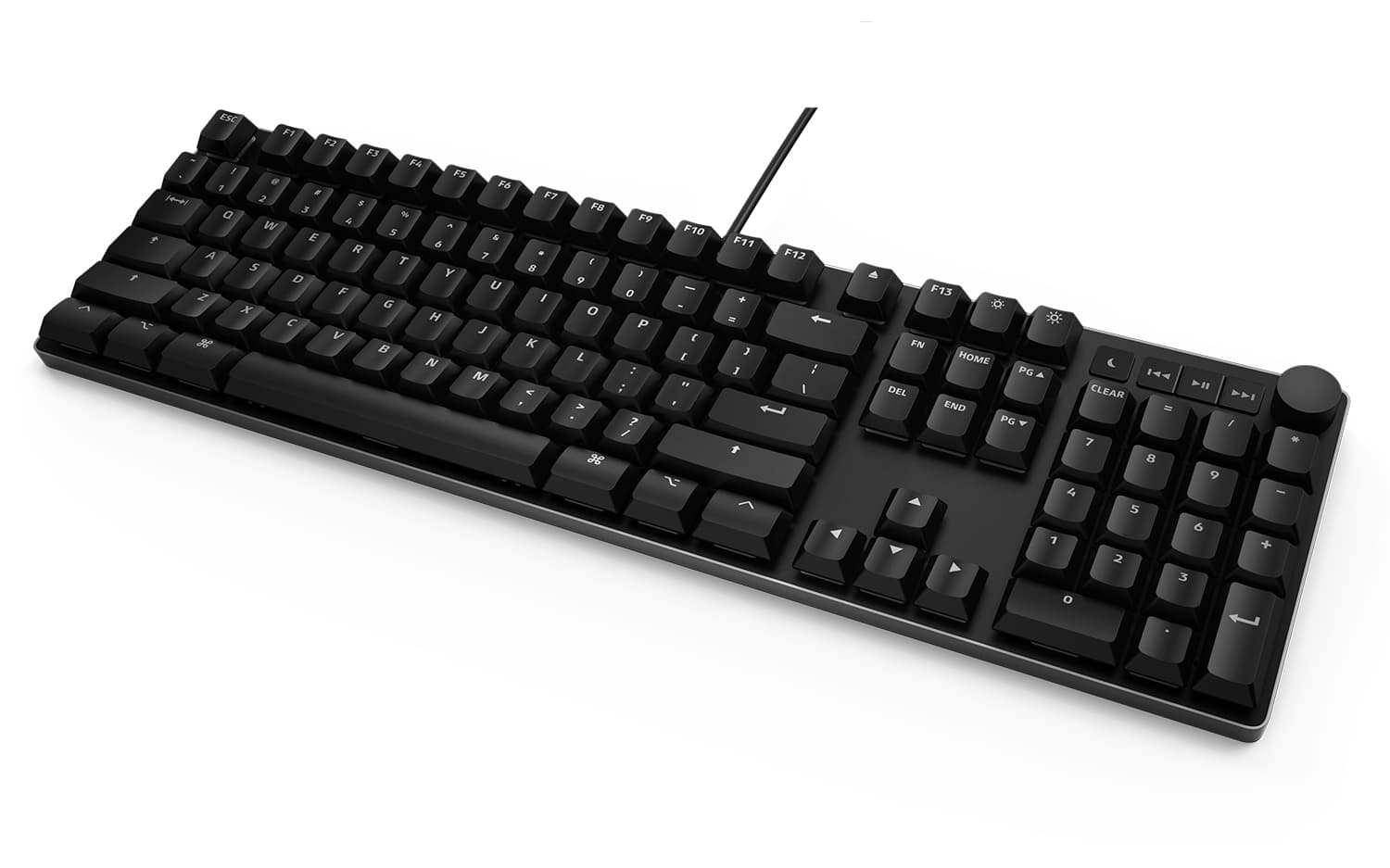
| Keyboard | Layout | Keycaps | Switch | Backlight | Price |
|---|---|---|---|---|---|
| Das Keyboard 4 Ultimate | Full-size, 104 keys | Blank | Cherry MX Brown / Blue | White | $199 |
| Das Keyboard 4 Professional | Full-size, 104 keys | Printed | Cherry MX Brown / Blue | White | $199 |
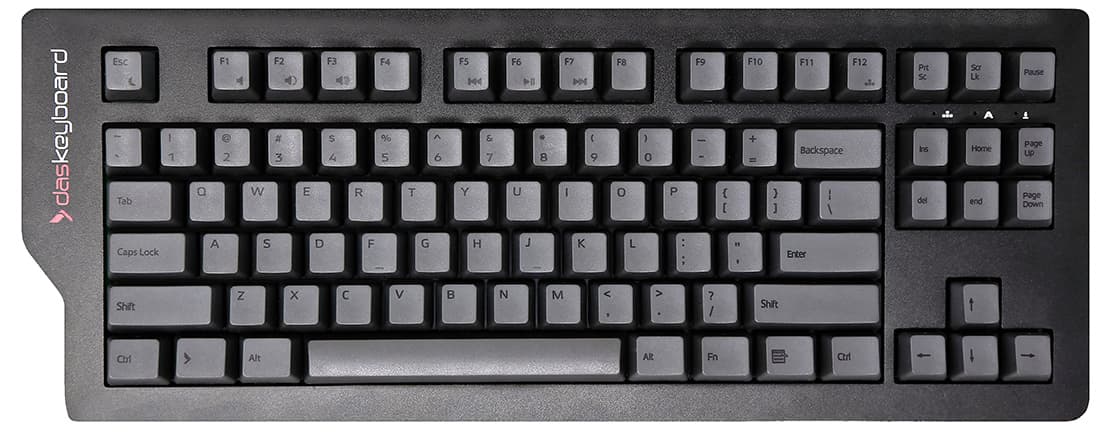
| Das Keyboard 4C TKL | Tenkeyless, 87 keys | Printed | Cherry MX Brown | None | $149 |
| Das Keyboard MacTigr | Full-size, Mac layout | Printed | Cherry MX Low Profile Red | None | See price |
If you touch-type and want the legends gone, the 4 Ultimate. If you would rather keep them for passwords and symbols, the 4 Professional — same switches, same body. If you want to lose the numpad and keep the desk space, the 4C TKL. If you only ever work on a Mac and prefer low-profile keys, the MacTigr. Blank keycaps are currently only offered on the full-size 4 Ultimate.
They are practical if you already touch-type, and frustrating if you do not. There is no learning mode: the labels are simply gone, including the symbols and function row you may reach for less often. If you are unsure, buy the 4 Professional — it is the same keyboard with legends, and nothing else about the typing experience differs.
Browns are tactile but not clicky, so they are considerably quieter than Cherry MX Blue — but they are still a mechanical keyboard, and louder than a laptop or membrane board. They are the usual recommendation for a shared office. If you need them quieter, sound-dampening O-rings reduce the bottom-out noise, though they also shorten the key travel slightly.
It depends on what bothers you. Mechanical switches actuate before the key bottoms out, so you can type without driving each key into the plate, and the tactile bump tells you the keystroke registered. Many people find that less tiring over a long session. We are not going to quote you a speed increase: typing speed is dominated by practice, not hardware.
Yes. These are standard USB HID devices, so every writing app on every operating system treats them as an ordinary keyboard. App shortcuts, custom shortcuts and system-level remapping (Karabiner on macOS, keyd on Linux) all work with no configuration.
No. There is no companion app, no account, no cloud sync and no update prompt. Plug it in and write.
The 4 Pro and 4 Ultimate include a magnetic foot rest that flips down to raise the typing angle or folds away for a flat profile. Beyond that, keyboard choice matters less than desk height and chair position — elbows near ninety degrees, wrists not resting on a hard edge. A separate wrist rest helps more than any keyboard feature.
Yes. The 4 Ultimate, 4 Professional and 4C TKL work on macOS, Linux and Windows with no software; macOS maps Alt to Option and the Windows key to Command automatically. The MacTigr is the Mac-layout option if you only ever work on a Mac and want Command and Option printed in the right places.
30-day returns on eligible direct orders. One-year limited warranty.