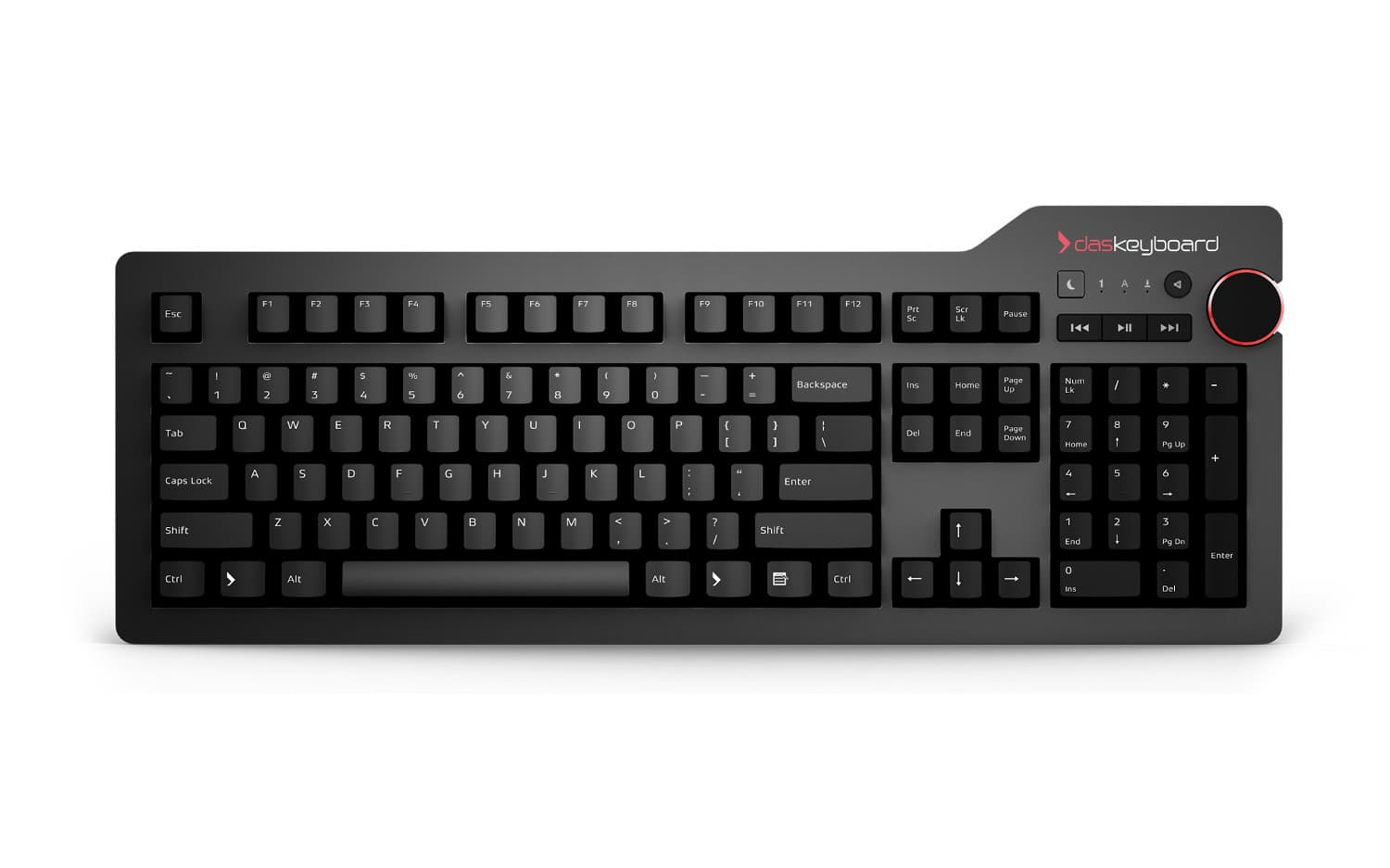
Keyboards / For developers
Mechanical keyboards for programmers
Every chord registers. Full NKRO over USB, so vim leader sequences and Emacs modifier stacks arrive intact. Need to see GitHub activity or machine status without opening another dashboard? The 5QS Mark II can light the keys you choose with Q Software. You also get Cherry MX switches rated to 100 million keystrokes, a powered two-port hub for the YubiKey, and open QMK/VIA firmware on the DeltaForce 65.
- Rollover
- Full NKRO, USB
- Switch
- Cherry MX
- Hub
- 2× USB 3.0, powered
- Driver
- None. HID class
What actually matters when you type all day
Full NKRO over USB
Every chord registers. Vim leader sequences, Emacs C-x prefixes, tmux combos — nothing ghosts, even with five fingers down. Not a software workaround; the hardware reports every key state over USB.
Cherry MX, rated to 100M
Brown for a tactile bump without the click, Blue if you want the click, MX2A on the Mark II. At 100 million keystrokes the switch outlasts the codebase it was bought for.
Powered two-port USB hub
On the DK4 Pro and DK6 Pro. A YubiKey, a wired mouse and a mic land on the keyboard instead of the last free laptop port. The hub is powered, which is why it works with things that draw current.
GitHub and machine status on the keyboard
The 5QS Mark II runs Q Software. Assign a GitHub, CPU, RAM, or server-status applet to keys you choose, then let the colors tell you what changed without opening another dashboard.
No driver, no daemon
Standard USB HID. macOS, Linux, Windows, BSD, ChromeOS. Nothing to install, nothing running at login, nothing to break on the next OS update. Hot-pluggable, so KVMs and docks work.
QMK and VIA, if you want layers
The DeltaForce 65 runs open-source QMK/VIA firmware — remap anything, build layers, flash your own build. On the other boards, Karabiner, keyd and xkb handle remapping at the OS level.
Five boards developers actually buy

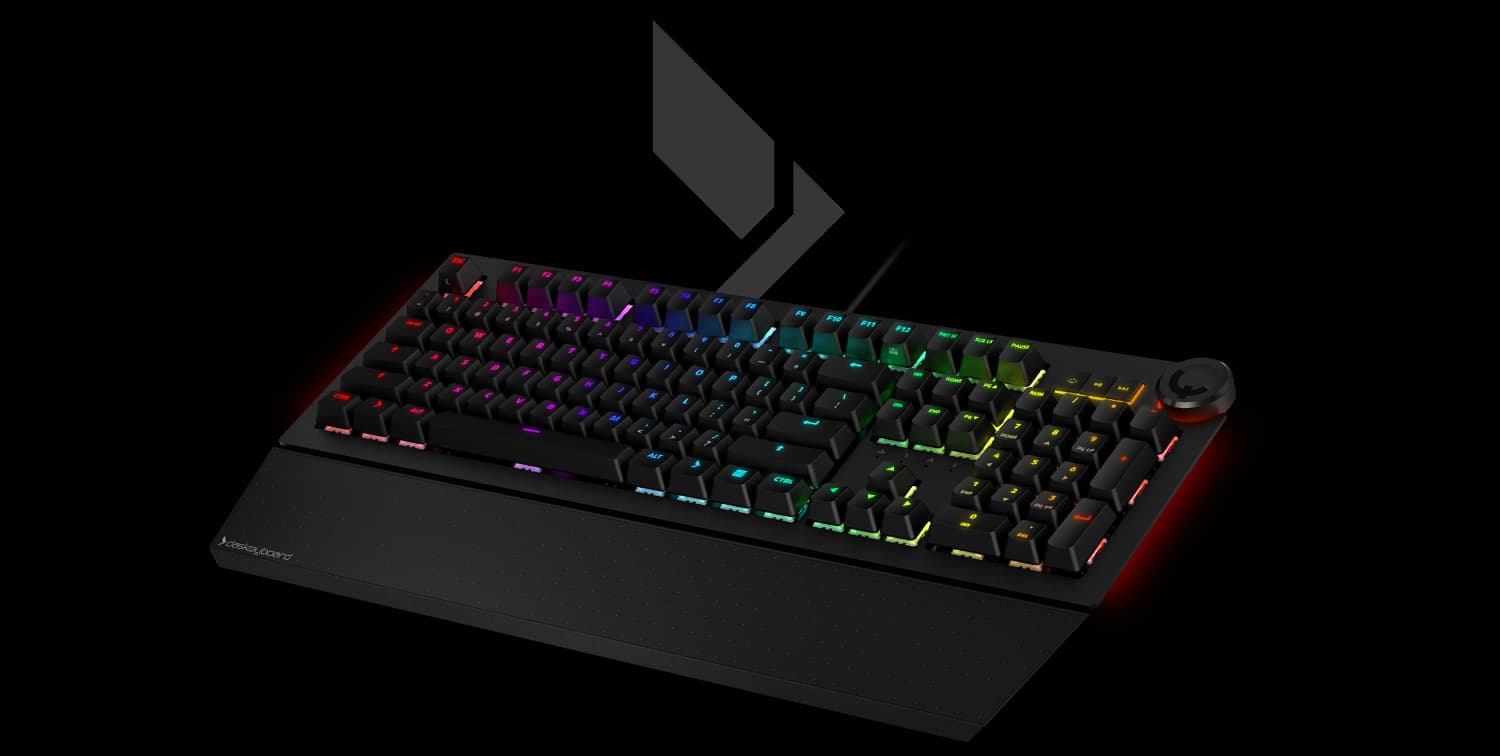
DK5QS MkII
Put GitHub and machine status on keys you can see while you work.
- Cherry MX2A RGB
- Q Software applets and REST API
- Per-key alerts for GitHub and system status
$229
View

DeltaForce 65
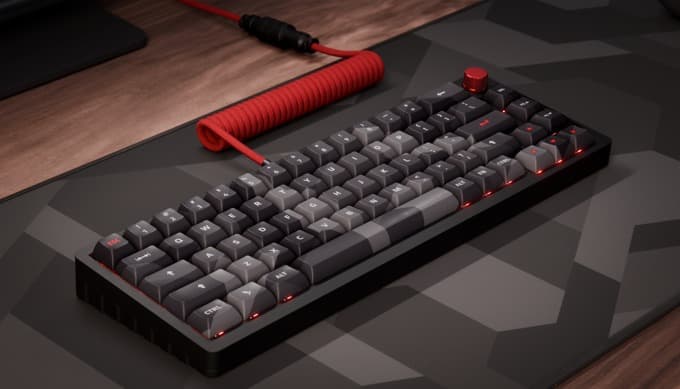
Open QMK/VIA firmware, hot-swap switches, 65%.
- Gateron Red, hot-swap
- QMK / VIA, open source
- 65%, 68 keys, USB-C
$169
View| Keyboard | Layout | Switch | Customization | USB | Price |
|---|---|---|---|---|---|
| Das Keyboard 4 Professional | Full-size, 104 keys | Cherry MX Brown / Blue | OS level | 2× USB 3.0, powered | $199 |
| Das Keyboard 6 Professional | Full-size, 104 keys | Cherry MX Brown / Blue | OS level, Q Software RGB | USB-C + USB-A | $219 |
| Das Keyboard 5QS Mark II | Full-size, 104 keys | Cherry MX2A RGB | Q Software applets + REST API | — | $229 |
| Das Keyboard 4C TKL | Tenkeyless, 87 keys | Cherry MX Brown | OS level | 2× USB 2.0 | $149 |
| DeltaForce 65 | 65%, 68 keys | Gateron Red, hot-swap | QMK / VIA firmware | Detachable USB-C | $169 |
Programmable without a vendor account
The DeltaForce 65 runs QMK. Fork the keymap, flash your own build, or stay in VIA and remap from a GUI without touching firmware. Nothing phones home and nothing requires an account.
The 5QS Mark II and other Q-series boards expose a documented REST API on localhost — an HTTP POST sets a key's colour, so a CI hook can turn a key red on a failed build. Q Software also includes GitHub, CPU, RAM, and server-status applets, and runs on Linux as an AppImage. Every other Das Keyboard needs neither: they are plain HID.
$ qmk compile -kb deltaforce65 -km custom
$ qmk flash

# or leave the firmware alone:
$ curl -X POST localhost:27301/api/1.0/signals \
-d '{"name":"CI","color":"#E41E2B"}'Questions developers ask
Does NKRO matter for vim or Emacs?
Yes. Modal editors depend on the keyboard reporting every simultaneous key state. Without full NKRO, leader sequences and modifier-heavy chords (Ctrl-Shift-Meta-x in Emacs, or a held-key motion in vim) can drop or ghost. Full NKRO over USB reports every key, so the editor sees the chord you actually typed.
Can I remap keys and build layers?
On the DeltaForce 65, yes, at the firmware level: it runs open-source QMK, so you can fork the keymap, define layers and flash your own build — or stay in VIA and remap from a GUI without recompiling. The DK4 Pro, DK6 Pro and DK4C TKL do not run QMK; on those, remapping is an OS-level job (Karabiner on macOS, keyd or xkb on Linux, AutoHotkey on Windows), which works fine but lives on the machine rather than the keyboard.
Which of these five should I buy?
If you want GitHub activity, machine status, or build alerts on the keyboard, the 5QS Mark II is the pick: Q Software lets you assign those applets to individual keys. If you want the numpad and a powered hub without Q Software, choose the DK4 Pro. The DK6 Pro adds RGB and Q Software notifications. Choose the DK4C TKL for a smaller Cherry MX board, or the DeltaForce 65 for open firmware, hot-swappable switches, and the smallest footprint.
Cherry MX Brown or Blue for code?
Brown gives a tactile bump you can feel without the audible click, which is why it is the safer pick for a shared office or a pair session. Blue is the canonical clicky switch — same actuation, louder. If you cannot try both, and other people can hear your desk, choose Brown.
Will it work with my IDE shortcuts?
Yes. These are standard USB HID devices, so VS Code, the JetBrains IDEs, Vim, Emacs, Neovim, Sublime, Cursor and Zed all see an ordinary keyboard. The full-size and tenkeyless layouts keep the F-row and the editing cluster (Home, End, PageUp, PageDown, Delete) where IDEs expect them. The 65% DeltaForce keeps the arrows and the navigation cluster but moves the F-row onto a layer.
Does it survive a KVM or a dock?
Yes — it is hot-pluggable USB HID, so KVMs, USB switches and dock daisy-chains all work. On the DK4 Pro and DK6 Pro, peripherals plugged into the keyboard's own powered hub move with the keyboard when it switches machines.
Same board on Linux and macOS?
Yes. The DK4 Pro, DK6 Pro, 5QS Mark II, DK4C TKL, and DeltaForce 65 are platform-agnostic: same layout, same switches, same behaviour across operating systems, so muscle memory transfers when you context-switch. Q Software for the 5QS Mark II runs on Windows, macOS, and Ubuntu. If a machine is Mac-only and you want Command and Option printed where macOS puts them, the MacTigr and the DK4 Pro for Mac ship that layout natively.
Do the media keys need software?
No. They emit standard HID consumer control codes, which every mainstream OS handles natively — including GNOME, KDE Plasma, Sway and i3 on Linux. Nothing to install and nothing running in the background.
See all mechanical keyboards
30-day returns. One-year limited warranty.