Q software
Your keyboard tells you what needs attention
Light a key when a build fails, when a server goes down, when a message lands. Drag and drop an applet to set it up — or drive the lights yourself over the open Q REST API.
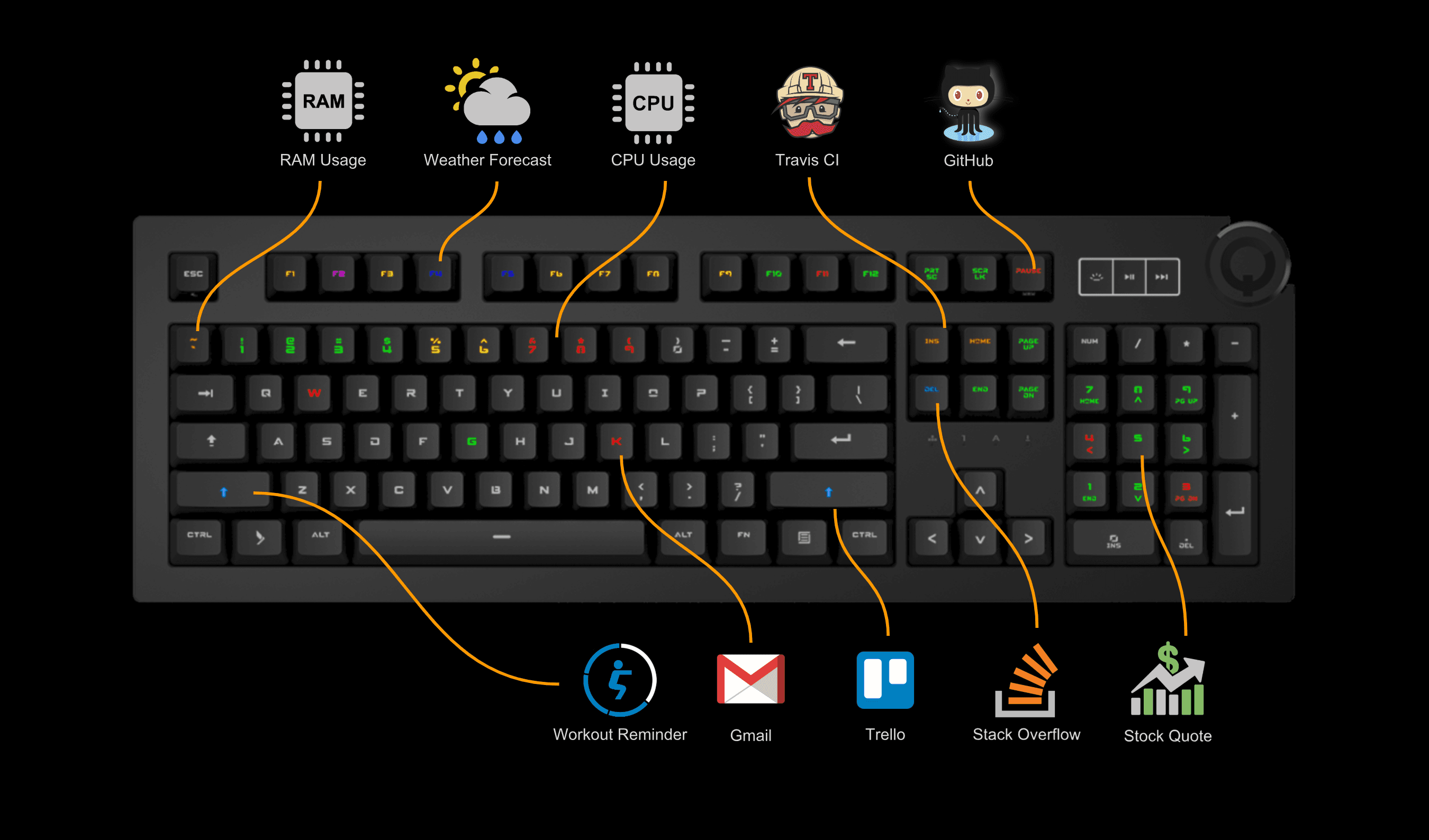
Light a key when a build fails, when a server goes down, when a message lands. Drag and drop an applet to set it up — or drive the lights yourself over the open Q REST API.
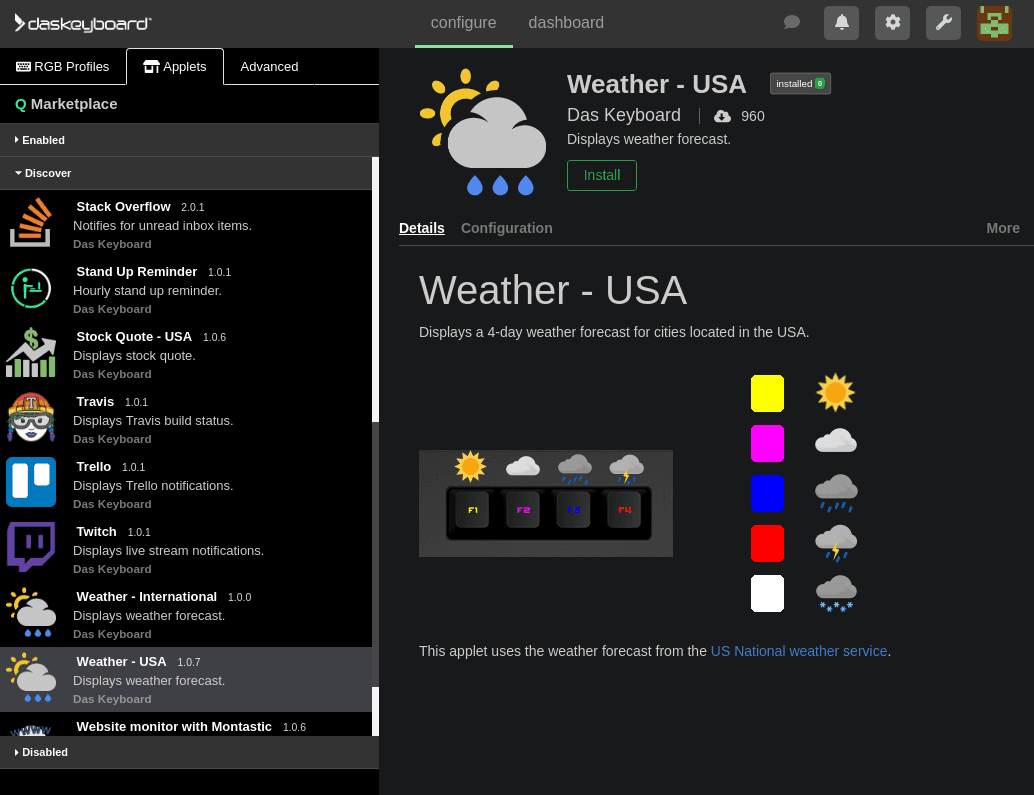
Put a GitHub build, a website's uptime, a priority email, or an Asana task on its own key. When something changes, the key lights up so you can notice it without switching windows or checking another dashboard.

macOs

Windows
Ubuntu
If you have a tool or service that Q does not already support, you can use the open REST API to change a key's color or make it blink when your system sends an event. Documentation and examples are available at daskeyboard.io.


