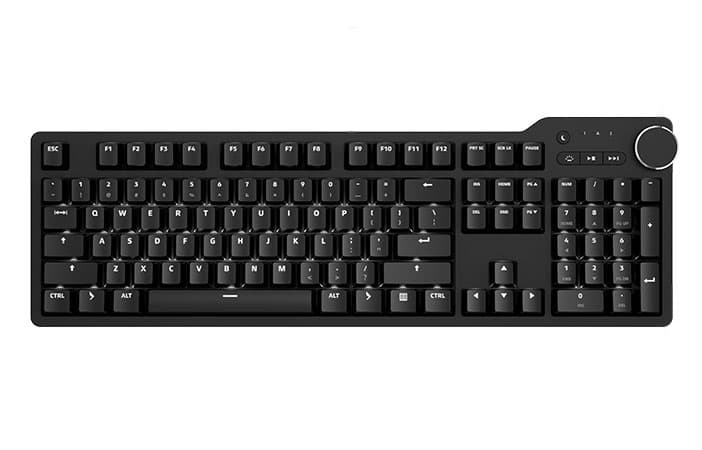
Keyboards / For Linux
Mechanical keyboards for Linux
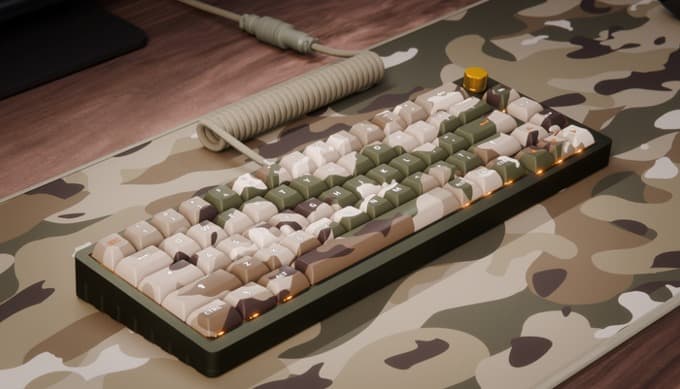
No drivers, no kernel modules, no vendor daemon. Every Das Keyboard is a class-compliant USB HID device, so Ubuntu, Fedora, Arch, Debian, NixOS and Pop!_OS all recognise it on plug-in — and the DeltaForce 65 runs open-source QMK/VIA firmware if you want layers on the board itself.
- Driver
- None. HID class
- Kernel
- 2.6 and later
- Rollover
- Full NKRO, USB
- Session
- X11 and Wayland
Why it just works
USB HID class-compliant
A standard USB input device. No kernel module, no proprietary driver, no vendor daemon at login. Plug it in and type. There is nothing to break on the next kernel bump.
Works on every distribution
Ubuntu, Fedora, Arch, Debian, NixOS, Pop!_OS, openSUSE, Mint. Anything running a Linux 2.6 or later kernel, which is to say anything from the last fifteen years.
X11 and Wayland alike
libinput handles the keyboard below the X11/Wayland split, so GNOME on Wayland, KDE on Wayland, Sway and Hyprland behave the same as X11. Nothing to configure per session type.
Full NKRO over USB
N-key rollover over USB, not just PS/2. Every simultaneous key lands in the HID report, so Emacs modifier stacks and vim chords do not ghost, no matter how many fingers are down.
Media keys follow the spec
Volume, mute and play/pause emit standard HID consumer control codes. GNOME, KDE Plasma, Sway, i3 and Hyprland pick them up without a helper process — bind them in config if you want.
QMK and VIA on the DeltaForce 65
Open-source firmware, not a vendor configurator. Clone the keymap, define layers, flash your own build from the CLI. VIA is there if you would rather remap without recompiling.
Four boards for Linux desks
DK4 Ultimate
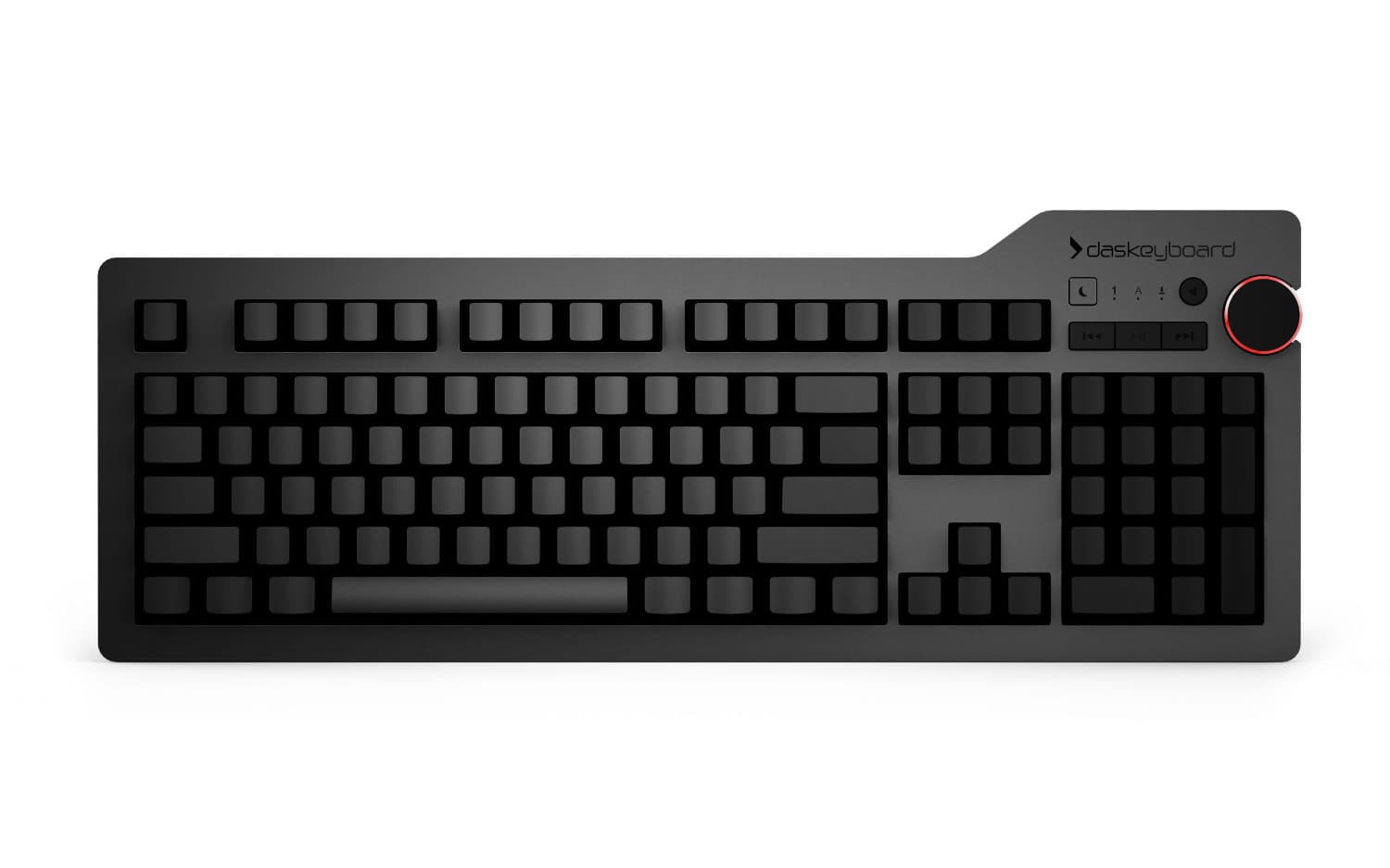
Blank keycaps. Nothing to read, nothing to unlearn.
- Cherry MX Blue / Brown
- Full NKRO
- 2-port USB 3.0 hub
$199
View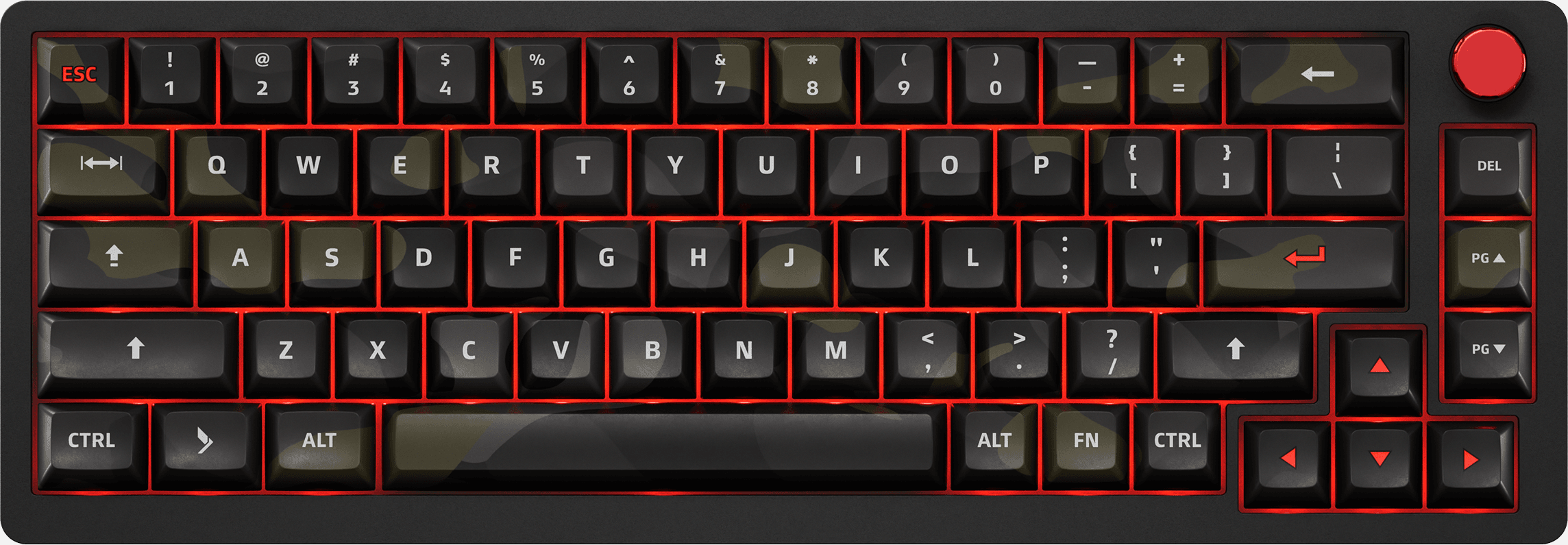
DeltaForce 65
Open QMK/VIA firmware, hot-swap switches, 65%.
- Gateron Red, hot-swap
- QMK / VIA, open source
- 65%, 68 keys, USB-C
$169
View| Keyboard | Layout | Switch | Remapping | Connection | Price |
|---|---|---|---|---|---|
| Das Keyboard 6 Professional | Full-size, 104 keys | Cherry MX Brown / Blue | xkb, keyd, xremap | USB-C + USB-A | $219 |
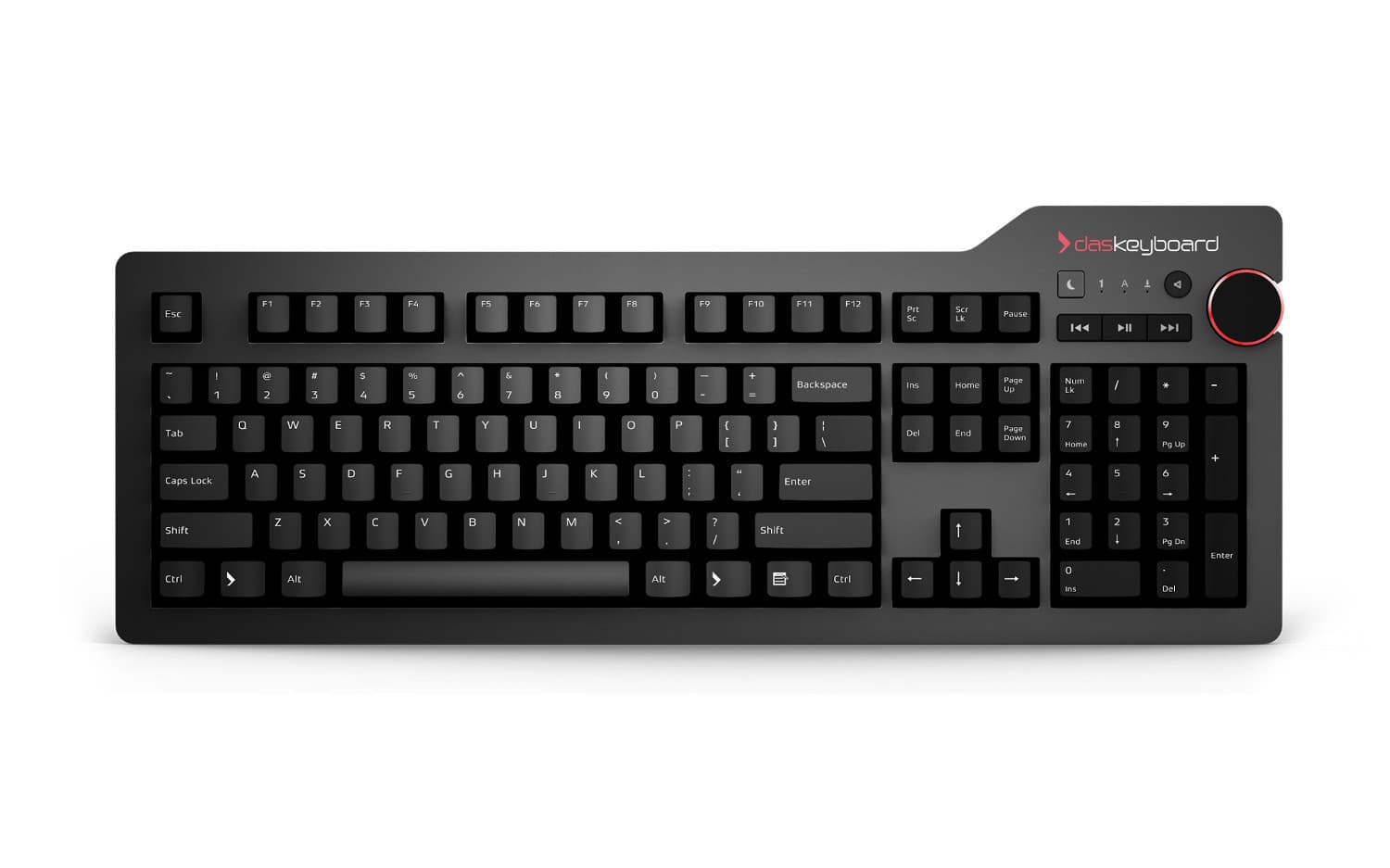
| Das Keyboard 4 Professional | Full-size, 104 keys | Cherry MX Brown / Blue | xkb, keyd, xremap | 2× USB 3.0, powered | $199 |
| Das Keyboard 4 Ultimate | Full-size, blank keycaps | Cherry MX Brown / Blue | xkb, keyd, xremap | 2× USB 3.0, powered | $199 |
| DeltaForce 65 | 65%, 68 keys | Gateron Red, hot-swap | QMK / VIA firmware | Detachable USB-C | $169 |
Open firmware on the DeltaForce 65
QMK, not a vendor configurator. Clone the keymap, define layers and macros in C, and flash from the CLI. VIA is supported if you would rather remap from a GUI without recompiling. Nothing phones home and there is no account to create.
The 4 Pro, 6 Pro and 4 Ultimate are fixed-firmware HID devices. Remapping those is an OS-level job — keyd and xremap work at the evdev layer under both X11 and Wayland, xkb handles layouts. Both routes are fine; the difference is whether the mapping lives on the keyboard or on the machine.
$ lsusb | grep -i keyboard
Bus 001 Device 004: Metadot - Das Keyboard

$ qmk compile -kb deltaforce65 -km custom
$ qmk flash

# fixed-firmware boards remap at the OS layer:
$ sudo keyd reloadQuestions Linux users ask
Do I need to install anything?
No. Das Keyboards speak the standard USB HID protocol, which has been in the Linux kernel since 2.6. There is no kernel module to build, no DKMS, no udev rule and no vendor daemon. Ubuntu, Fedora, Arch, Debian, NixOS and everything else recognise the keyboard with no configuration.
Can I flash open-source firmware?
On the DeltaForce 65, yes. It runs QMK, so you can clone the keymap, define layers and macros in C, and flash your own build with the qmk CLI. VIA is supported too if you would rather remap from a GUI without recompiling. The 4 Pro, 6 Pro and 4 Ultimate do not run QMK — they are fixed-firmware HID devices, so remapping on those happens at the OS level instead.
How do I remap keys without QMK?
The usual tools all work, because the keyboard is an ordinary HID device: xkb and setxkbmap for X11 layouts, keyd or xremap for evdev-level rebinding under both X11 and Wayland, and libinput for everything underneath. Dvorak, Colemak and custom layouts behave exactly as they would on any other keyboard.
Does it work on Wayland?
Yes, identically to X11. The keyboard is handled by libinput at the compositor layer, below the X11/Wayland distinction, so GNOME on Wayland, KDE on Wayland, Sway and Hyprland all behave the same. No session-specific setup.
Do the media keys and volume knob work?
Yes. They send standard HID consumer control codes, which GNOME, KDE Plasma, Cinnamon and XFCE handle natively. Tiling window managers like i3, Sway and Hyprland see them as ordinary keycodes you can bind in your config file.
Does NKRO actually work over USB here?
Yes. Boards with full NKRO report every simultaneously-pressed key in the USB HID report, and the kernel tracks all of them. Chord-heavy setups — Emacs, vim macros, games — work with no ghosting and no PS/2 adapter.
Does Q Software run on Linux, and do I need it?
It ships as an AppImage, and it only applies to the Q-series boards (4Q, 5Q, 5QS, X50Q) whose per-key lighting it drives. If you are running a 4 Pro, 6 Pro, 4 Ultimate or DeltaForce 65, you do not need it — those are plain HID devices, and the DeltaForce is configured through QMK/VIA instead.
Which of these four should I buy?
If you want a full-size board over USB-C, the 6 Professional. If you want the same feel with a powered USB 3.0 hub, the 4 Professional. If you touch-type and would rather have no legends at all, the 4 Ultimate. If you want open firmware, hot-swappable switches and the smallest footprint, the DeltaForce 65.
See all mechanical keyboards
30-day returns on eligible direct orders. One-year limited warranty.