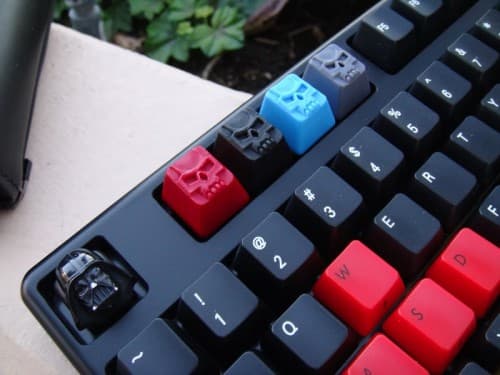
One of the underrated features of a mechanical keyboard is that the keycaps come off. Every Das Keyboard with standard Cherry MX switches uses the same keycap stem, which means you can pull the caps and replace them with any compatible set: different colors, different printing, different materials, or completely blank.
“WASD keycaps” usually means one of two things: the W, A, S, and D movement keys that gamers like to highlight, or a full replacement set for the whole board. Either way the answer is the same. Because Das Keyboards use the standard Cherry MX cross stem, any standard Cherry MX keycap set fits. We used to sell our own branded sets and those are now sold out for good, but that does not limit you: standard Cherry MX caps are made by dozens of makers, so you are never tied to a single source.
What fits
Standard Cherry MX keycaps fit any Das Keyboard with standard Cherry MX switches (the cross-shaped + stem). That covers our most popular boards:
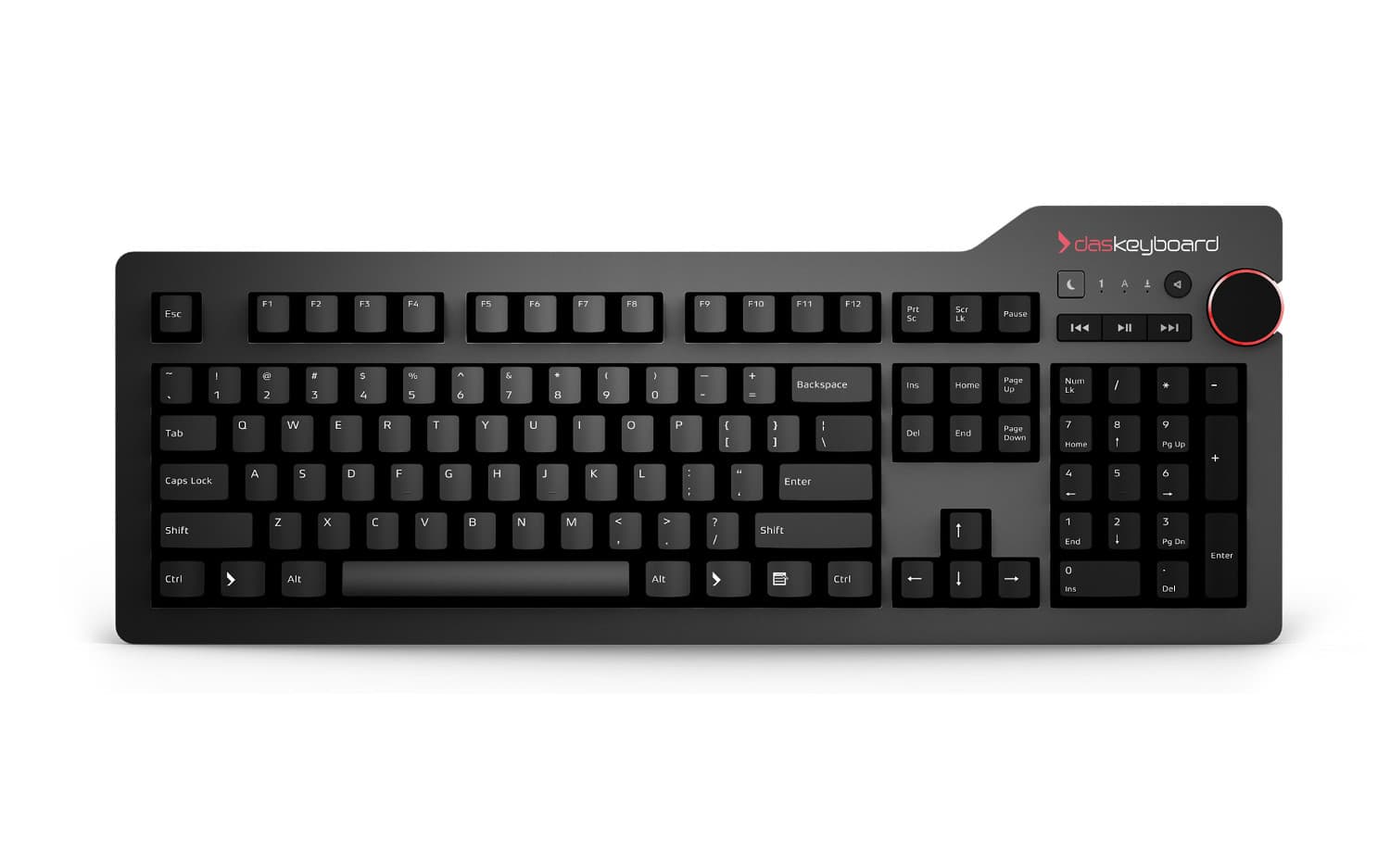
- Das Keyboard 4 Professional: Cherry MX Brown / Blue, ANSI 104 US or ISO 105 UK/DE/NO. Fully compatible.
- Das Keyboard 6 Professional: Cherry MX2A Brown / Blue, same standard stem. Fully compatible.
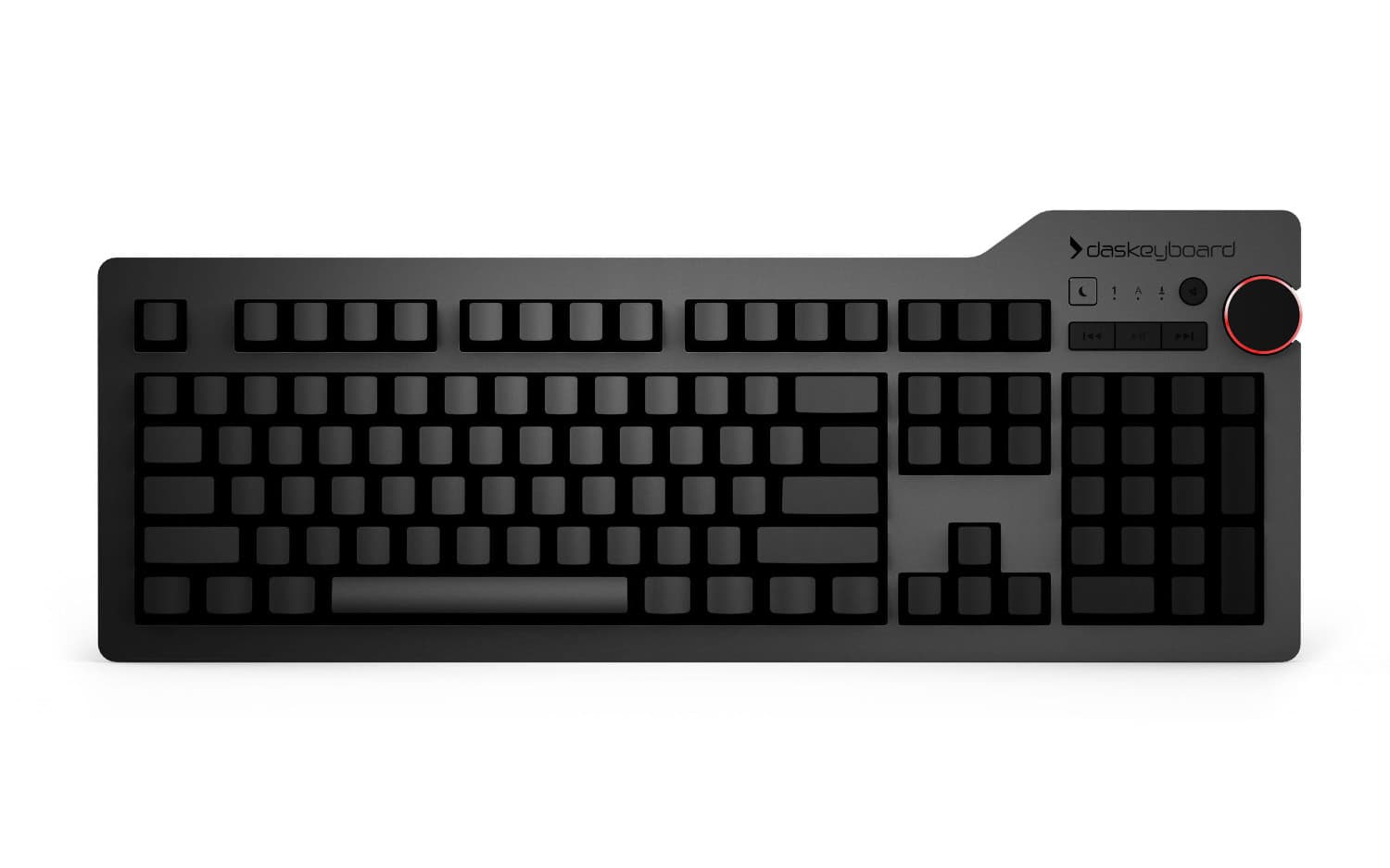
- Das Keyboard 4 Ultimate: same as the 4 Pro but with blank keycaps from the factory. Compatible if you want labeled keys, or a different blank material.
- Das Keyboard 4C Tenkeyless (TKL): 87-key layout, Cherry MX. Standard TKL kits map cleanly.
- Das Keyboard Model S Professional / Ultimate: original Cherry MX. Compatible, though we recommend confirming the exact set covers the F-row and arrow cluster you want.
- Das Keyboard 5QS Mark II / 4Q / 5QS: Cherry MX2A (Mark II), Cherry MX (4Q), and Gamma Zulu (5QS), all using the standard MX cross stem. Compatible, but note that opaque keycaps will block the per-key RGB lighting; if you bought the 5QS for the lights, look for shine-through sets specifically.
What does not fit
Three Das Keyboards use non-standard switches and will not accept standard Cherry MX keycaps:
- Das Keyboard MacTigr: uses Cherry MX Low Profile Red. The stem is the same shape but the keycap height is different, so standard MX caps will sit too high and feel wrong even if they install.
- Das Keyboard Holosonic T1 / T1W: different switch architecture. Custom keycaps are not currently supported.
- Das Keyboard DeltaForce 65: Cherry MX standard, but the 65% layout uses non-standard sizes for several keys (right shift, bottom row), so most off-the-shelf sets will leave you with empty slots. Check the set’s key sizes carefully before ordering.
Layouts and key counts
Standard Cherry MX keycap kits come in the following layouts that match Das Keyboard SKUs:
- 104-key ANSI US (full-size with numpad, most Das Keyboards)
- 105-key ISO UK / DE / NO (the European variants)
- 87-key TKL (Das Keyboard 4C TKL)
If you are typing on a layout that is not one of those, the kit will likely have a few wrong-sized keys at the bottom row or around Enter, so do a side-by-side comparison with your existing layout before ordering.
How to swap keycaps
It takes about ten minutes for a full set. You will need a keycap puller; a wire-style puller is gentlest on the caps and comes with most full-key sets. The wire slides under each keycap, pulls straight up, and the cap pops off the switch stem with a satisfying click. Reverse the process to install the new caps. Two cautions:
- Do not pull the spacebar, Enter, Backspace, or Shift keys on the Das Keyboard 4 line without watching our keycap-replacement video first. These have a stabilizer bar with two small white plastic clips that are easy to break.
- Lay the keycaps out on a printout of the layout so you remember where each one goes. The Ultimate is especially tricky here because the caps are blank.
Why custom keycaps?
Three reasons people swap keycaps on a Das Keyboard:
- Aesthetics. A custom-printed set turns a workhorse keyboard into a personal one. Grayscale, neon, terminal-green, novelty: the aftermarket makes them all.
- Material upgrade. Stock Das Keyboard caps are laser-etched ABS. Many aftermarket sets use PBT, a denser plastic with a slightly different sound and longer-lasting print legibility.
- Function. Some users replace specific keys (Caps Lock, Escape) with high-contrast colors so they stand out under low light. Some swap the W, A, S, and D keys for a different color for gaming visibility; those four movement keys are what gamers call “WASD”.
Get the right set for your Das Keyboard
Match two things and any standard Cherry MX set will work: your switch type (standard Cherry MX, not low profile) and your layout (104 ANSI, 105 ISO, or 87 TKL). Lay a candidate set next to your current keys, check the bottom row and Enter for odd sizes, and order.
For full keyboard guides, see our mechanical keyboard guide, or check the individual product pages: DK4 Pro, DK6 Pro, DK4 Ultimate, DK4C TKL.