Skip to content
Free Shipping On Orders Over $59* - 30-Day Money Back Guarantee**
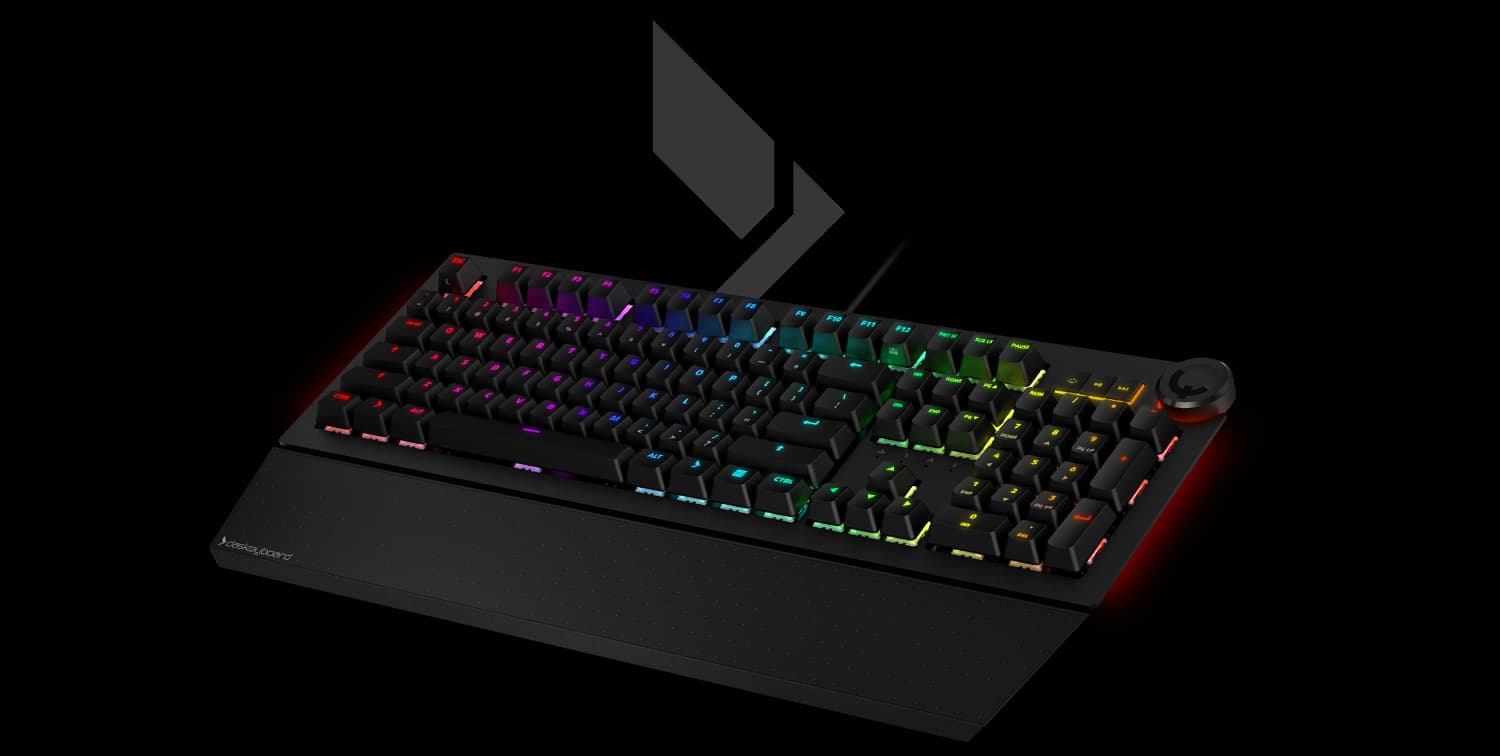
Das Keyboard X50Q

Work & Gaming RGB Keyboard

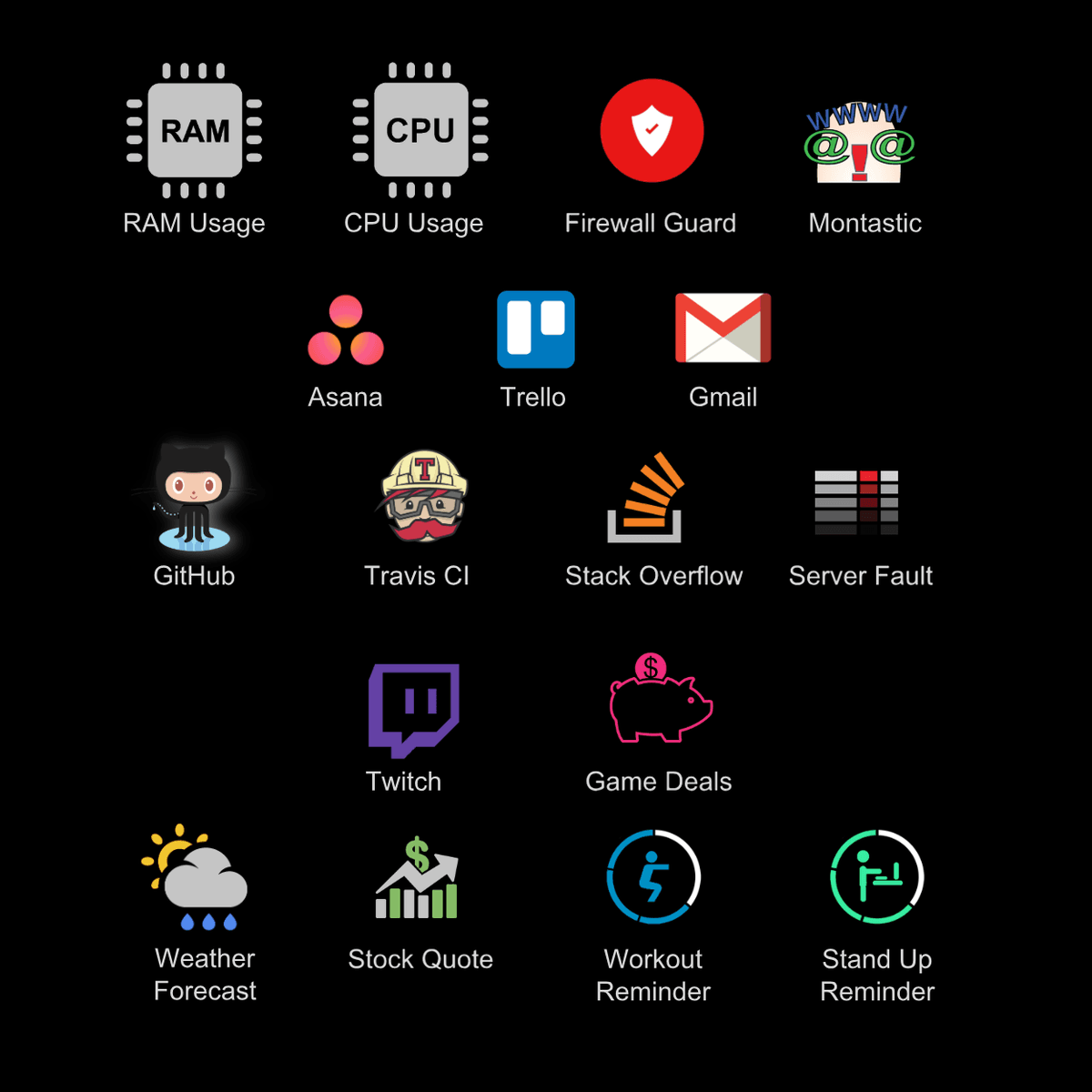
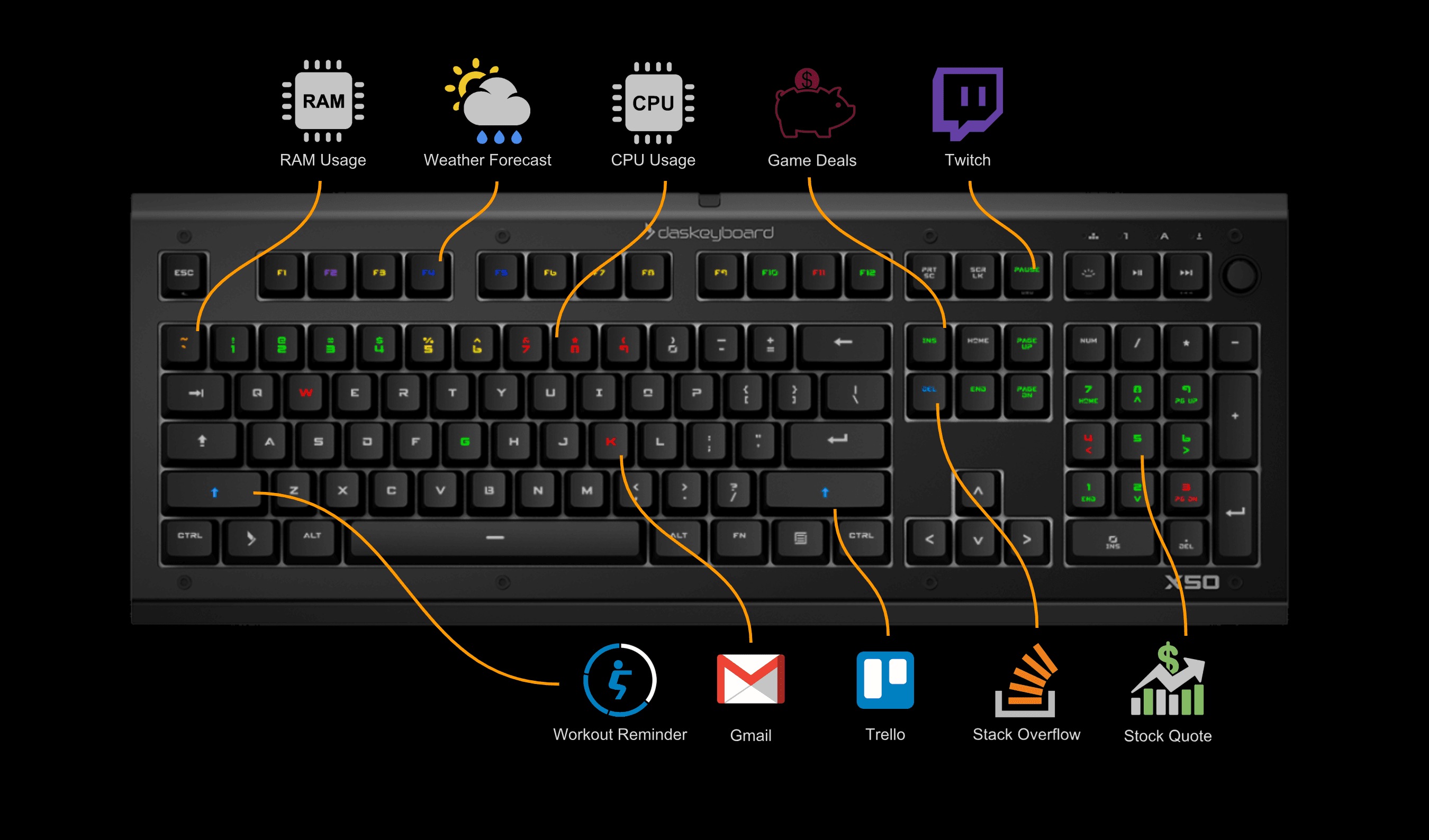
Q software puts your work on the keys instead of on your screen. A site goes down, a task lands on you in Basecamp or Trello, a Twitch channel you follow goes live — the key changes color where your hands already are. Record macros, switch RGB profiles, or build your own lighting in the profile editor.
Windows only. This keyboard has no Mac or Linux mode.

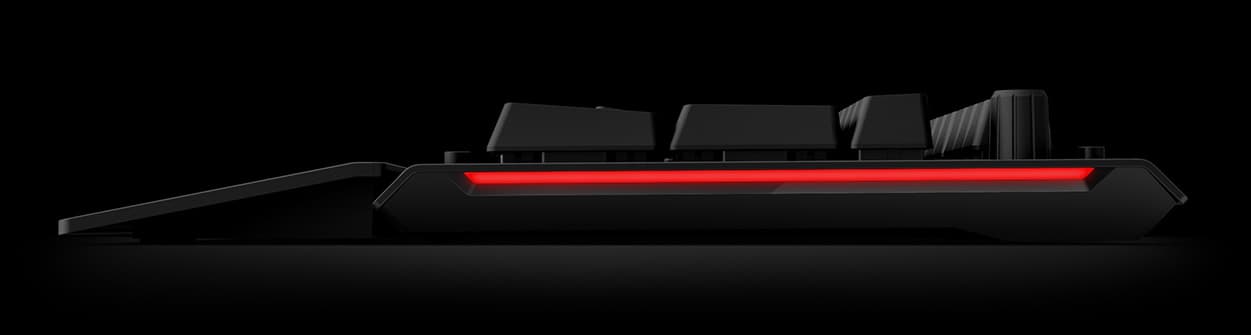
Das Keyboard X50Q Side View
Q software

Make your keyboard smart

Video talks about the 5Q. The X50Q has the same functionalitites.

Applets

Drag a data source onto a key

Showing 5Q. Same software for X50Q.

Message preview

Read the whole message with one keypress

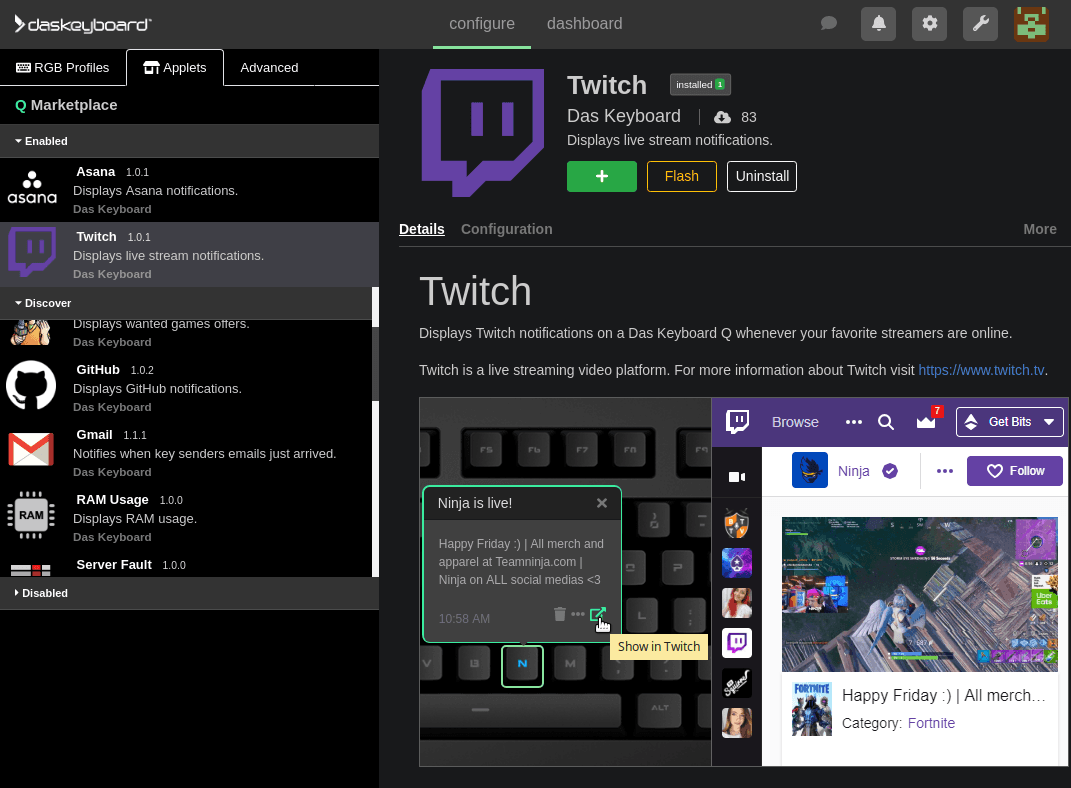
Q marketplace

Customize your keyboard to your needs

Q marketplace with Twitch applet
What you can watch

GitHub, Trello, Asana, Gmail, uptime, Stack Overflow

X50Q keyboard with applets from the Q marketplace
Open API

Write your own applets

When winning is everything

Performance meets design

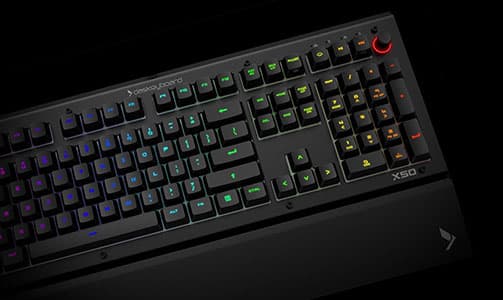
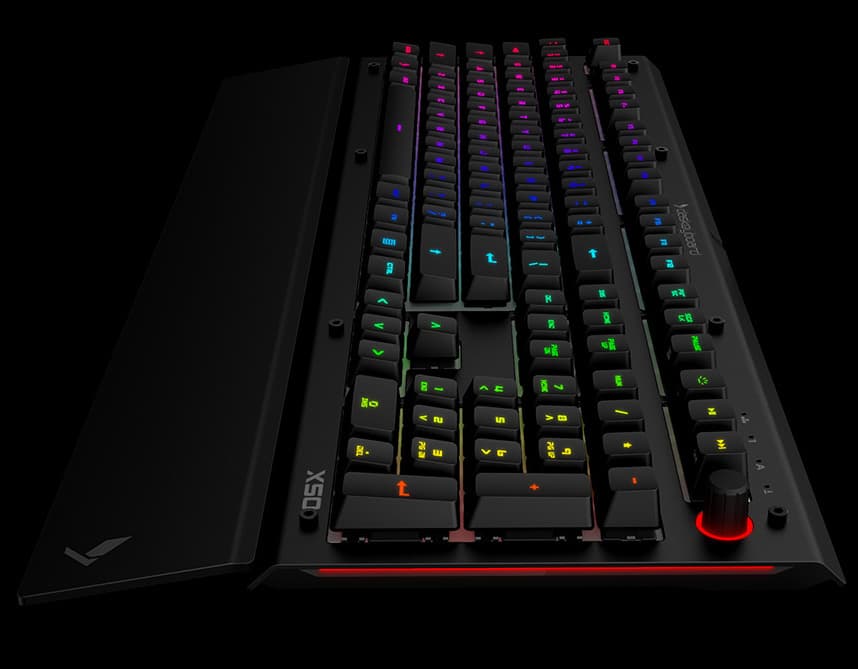
Whether on your desk at work or at home, the X50Q looks stunning and delivers fast precision keystrokes that help you get the job done.

Das Keyboard X50 RGB Side View
Das Keyboard X50 RGB Mechanical Keyboard Gamma Zulu Switch Badge
World's
longest
lasting
switches
Das Keyboard X50 RGB Mechanical Keyboard Color Badge
2x ultra
enhanced
brightness
Das Keyboard X50 RGB Mechanical Keyboard Aluminum Badge
Anodized
aluminum
top panel

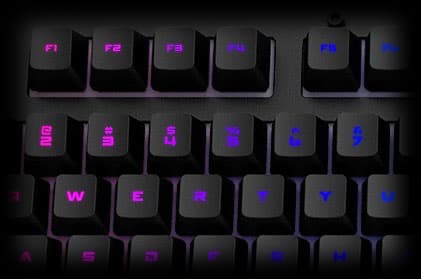
Intense RGB colors in broad daylight

16.8 Million ultra bright colors

At work or in your cave, the X50Q RGB shines everywhere

Due to its enhanced brightness mode(*) and its modern switch design, the X50Q delivers intense colors that are not washed out by daylight - a problem that most RGB keyboards suffer from.

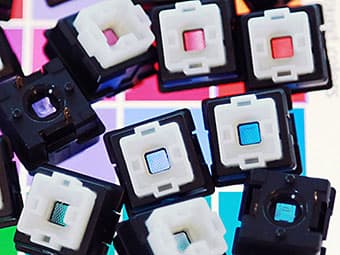
Gamma Zulu colored LED Switches

Premium materials throughout

Soft touch palm rest

Friction free

Das Keyboard X50Q includes a frictionless detachable palm rest that helps typists rest their palms comfortably.

Soft Touch Palm Rest

Durable aluminum panel

Built to Last for Years

Das Keyboard X50Q sports a slick anodized black aluminum top panel. Its hex-screws allow users to easily customize it.(*)

(*) Available in the future.

X50 RGB Mechanical Keyboard with a Durable Aluminum Panel

Macro functions

One-click action

Allows you to program customizable keys to perform a series of actions with one click. For example, you can set a specific pattern of keystrokes to create a specific sequence that helps you attack a space alien or to mine for materials. They can also come in handy for combinations without having to try to remember what all of the hotkeys are.

X50 RGB Mechanical Keyboard with a Media Control

Gaming mode

Prevent interruptions

The X50Q has a toggle that locks the Windows key from triggering the start menu, preventing the game from being pushed to the background and enables the Function keys and the Numpad keys to be used for macro functions.

X50 RGB Mechanical Keyboard with a Durable Aluminum Panel

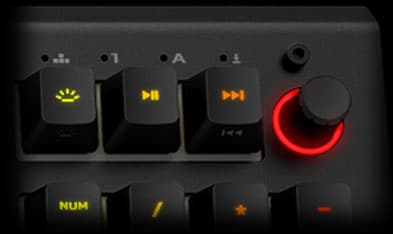
Quick access media controls

Simple Control at Your Fingertips

Das Keyboard X50Q provides direct controls to quickly set sound level, play or pause songs, and adjust RGB brightness while gaming or working.

X50 RGB Mechanical Keyboard with a Media Control

Full N-key rollover

Register all key presses

With 100% anti-ghosting with full n-key rollover, no matter how many keys you press simultaneously, all of them will be reliably registered. Whether you type super fast or your gameplay finger dexterity is amazing, the X50Q NKRO is able to deliver the spanking your opponent deserve.

X50 RGB Mechanical Keyboard with N-Key

Energy-saving sleep function

Protect the environment

A small details that makes a big difference: The X50Q has a function control to put the computer to sleep instantly. It saves energy and helps the environment.

The Earth

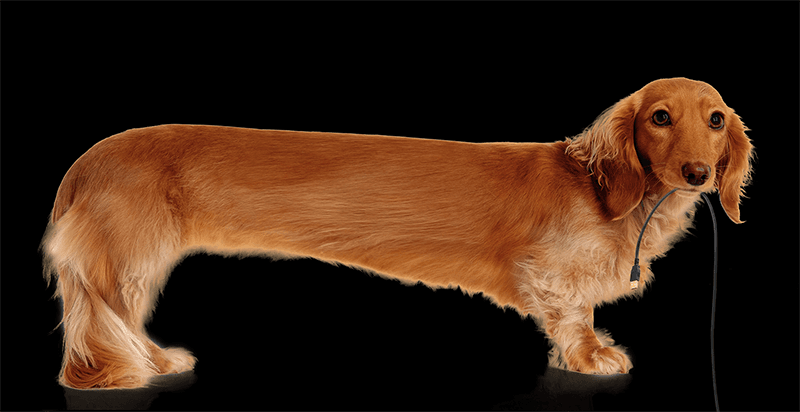
Extra long braided cable

Keep your desk tidy

Long dog with long braided cable
The X50Q sports an extra long 2-meter (6.5ft) braided USB cable that goes through desk grommets to keep the desk clean.

Ultra-fast & comfortable

Gamma Zulu mechanical key switches

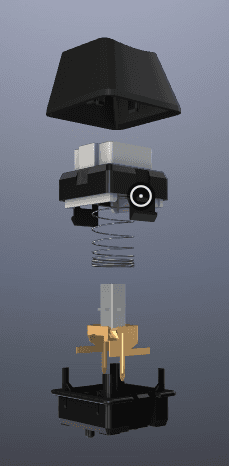
Made by Omron (Japan) for Das Keyboard, the Gamma Zulu is a modern best-in-class, fast, soft tactile key switch. It lasts forever with its unequaled 100 million life cycle. The feel is amazing and allows effortless typing and gaming sessions.

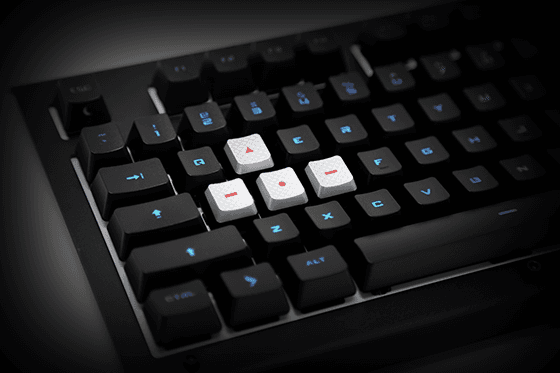
WASD keycaps included

Keypress Precision

Accurate key presses are mandatory. The included gaming textured WASD keycap upgrade kit will give you a huge tactical advantage. Precision and style on your path to total domination. Key puller included as well.

WASD Keycaps

Specifications

PRODUCT INFORMATION
  • Backlighting: RGB
  • Connection Type: USB 2.0
  • Keycap Material: ABS
  • Aluminum top panel: Yes
  • USB Ports (Built-in): No
  • Dedicated Media Controls: Volume Knob, Play/Pause, Track Forward/Backward
  • Easy Access Media Controls: Yes
  • Firmware Updatable: Yes
SYSTEM REQUIREMENTS
  • Windows 10
  • One 2.0 USB port
  • Internet connection for software download
  • This keyboard is compatible with Windows only.
WARRANTY INFORMATION
  • 1-Year Limited Hardware Warranty
PACKAGE CONTENT
  • Keyboard
  • Palm rest
  • WASD two-tone keycaps
  • Keycap puller
  • User documentation
User manual
PHYSICAL SPECIFICATIONS
  • Height: 1.28 in
  • Width: 6.63 in
  • Length: 18 in
  • Weight: 3.5 lbs
  • Cable: 6.5 ft
GAMMA ZULU SWITCHES MADE BY OMRON FOR Das Keyboard:
  • Feel: Soft tactile
  • Gold Cross Point Contacts: 2
  • Durability: 100 million actuations
  • Actuation distance: 0.06 in
  • Actuation force: 1.6 oz
  • Total travel distance: 0.14 in
AVAILABLE LAYOUTS
  • 104 US
  • 105 UK
  • 105 DE
  • 105 NO
SOFTWARE
Additional language keycaps are available as an add-on. (See accessories below.)

Accessories

TRANSLUCENT KEYCAP SET
  • Without inscriptions for 104 and 105 key layouts.
  • With inscriptions for US, UK, German, French, Nordic, Spanish, and Russian.
  • With inscriptions for Dvorak Layout
BLACK, PROFESSIONAL FONT KEYCAP SET
  • With inscriptions, available only in US
Questions

Das Keyboard X50Q FAQ

What makes the Das Keyboard X50Q a smart keyboard?
The Das Keyboard X50Q has an RGB LED under every key that Q software can address individually. Applets light the keys with live data — build status, unread email, server uptime, CPU load — so the information reaches you without an alert covering your screen.
Which switches does the Das Keyboard X50Q use?
The Das Keyboard X50Q uses Gamma Zulu switches, made by Omron in Japan for Das Keyboard. They are soft tactile and rated for 100 million keystrokes per key, the same switch used in the Das Keyboard 5QS.
How is the X50Q different from the Das Keyboard 5QS?
Both use Gamma Zulu switches and run the same Q software and applets. The Das Keyboard X50Q has a gaming-oriented chassis and a detachable palm rest. The 5QS has an anodized aluminum top panel and a Q volume knob.
Is the Das Keyboard X50Q good for gaming?
Yes. The Das Keyboard X50Q has full N-key rollover over USB and a dedicated gaming mode, alongside the RGB notification features that Q software provides for work.
Which operating systems does the Das Keyboard X50Q support?
The Das Keyboard X50Q supports Windows only. For a smart RGB Das Keyboard that also runs on macOS and Ubuntu, use the Das Keyboard 5QS or the 5QS Mark II.
Compare

Other keyboards in the Q series

Das Keyboard 5QS Mark II

Das Keyboard 5QS Mark II

The 5QS with Cherry MX2A switches and firmware lockdown for managed environments.

Das Keyboard 5QS

Das Keyboard 5QS

Gamma Zulu switches rated 100 million keystrokes, with built-in RGB profiles and macros.

Das Keyboard 4Q

Das Keyboard 4Q

Cherry MX RGB switches, aluminum top panel, and a built-in USB hub.